From Figma to Agents: A Complete Intro for Designers
Christine Vallaure
moonlearning.io

Prepare your Figma files for AI agents and build your own agent team in a day.
You will receive a recording with lifelong access of this course.
Something that started in enterprise design systems is trickling down fast, and it changes what your Figma file is actually for. AI agents can now read your file and build straight from it, so your variables, styles, components, and naming quietly decide what gets made. Most designers do not yet know what agents can read, or how to get ready.
This is hands-on, not theory, and it runs in three moves:
Cut through the AI noise, so you see the landscape clearly and stop chasing every tool.
Prep a real Figma file for agent handoff, so you know exactly how your design translates to code and what agents can and cannot read.
Build a small agent team from scratch in Claude Cowork, working with markdown files, skills, context, and Figma via MCP.
No coding background needed. You leave with a full understanding of how to start preparing your Figma files for agents, your own small agent team to play with, tinker on, and scale from, and all the supporting material to keep going at your own pace
What you’ll learn
Stop guessing about AI. Prepare your Figma for agents and build a small agent team you can actually use and scale.
Understand how models work, why that explains most AI tools, and which tool fits which job.
See where AI genuinely helps designers and where it still fails, so you save time.
See how your design translates to code, and what agents can and cannot read.
Prep your variables, styles, components, and auto layout, then add context with design markdown, skills, and layer mapping.
Set up Claude, context files, and skills from scratch, no code needed.
Connect Figma via MCP, then put your team to work building a small page and a mini design system.
Add memory, canary tokens, and scheduling so you can scale it.
Workshop agenda
The AI landscape, minus the hype
Cut through the noise. How models work, which tools matter, and where AI genuinely helps designers versus where it still falls short, so you know where to focus.
Prep your Figma and understand what agents read
Get your variables, styles, components, and auto layout in shape, and learn exactly what agents can and cannot read in your file.
Understand the new AI contextual layer
Bring in the pieces that give agents real context: what an MCP is and when to use which one, what skills are, design md files and context that agents are looking at.
Meet Claude Cowork: the basics
Set up Claude, the claude.md, and context files from scratch. Why markdown is the core of everything, no code background needed.
Build your own agent team
Connect Figma via MCP and put your team to work building a small page and a mini design system, with skills, memory, and canary tokens added in.
Scale it, and wrap up
Schedule recurring runs, see how to grow this into a bigger workflow, and leave with your files and your own agent team ready to keep going.
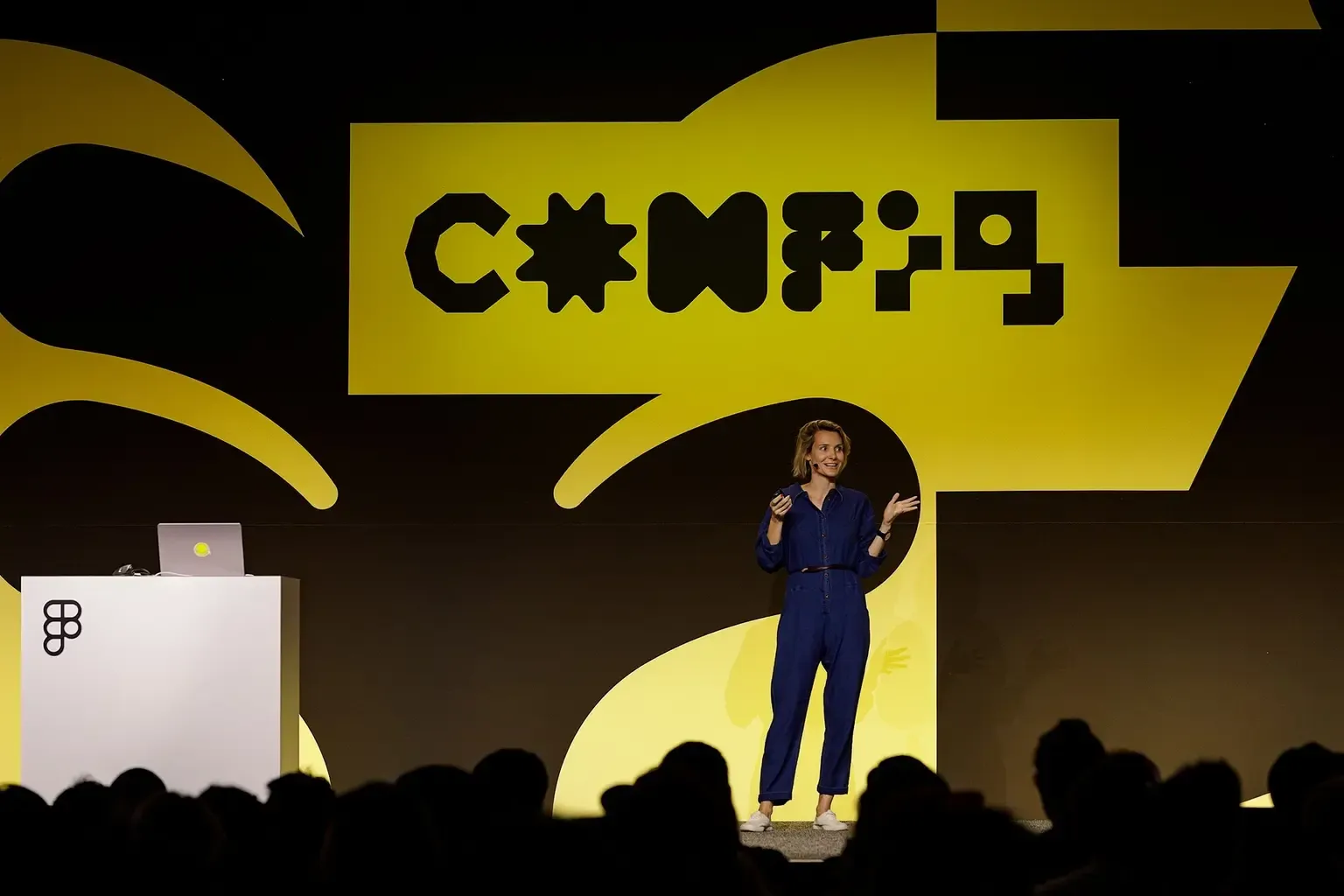
Learn directly from Christine
See all products from Christine
Who this workshop is for
Designers working in Figma who keep hearing about AI agents and wants the real picture, hands-on, without the hype.
A design system designer maintaining components, variables, and tokens who wants their files ready for agents to read and build from.
Solo designer or small-team founder with no coding background who wants a small agent team to speed up everyday design work.
What's included
Lifetime access
Go back to course content and recordings whenever you need to.
Community of peers
Stay accountable and share insights with like-minded professionals.
Certificate of completion
Share your new skills with your employer or on LinkedIn.
Maven Guarantee
Your purchase is backed by the Maven Guarantee.
Frequently asked questions
Maven for Teams
Reimbursement
Get your company to pay
Everything L&D needs: email template, receipts, and certificate of completion.
Get reimbursedPrivate cohort
Run a cohort for your org
A dedicated cohort with a custom schedule and curriculum, tailored to your team.
Book a private cohort