Build Scalable UI in Figma & AI: Design Systems Agents Can Actually Use
Christine Vallaure
Founder moonlearning · 2× Config Speaker

The full course: Figma done properly, MCP and AI design systems intensive
4-week hybrid course
Developers build with agents, there’s a new AI tool every week, and the quiet worry is always the same: where do I fit, and when am I meant to learn all this? This course gives you the part that holds, a Figma foundation built on how code works and an honest picture of what AI can do with it today. What’s real, what’s noise, and what you can safely ignore.
Weeks 1 to 3: A Figma foundation built on how code works
Components, variables, styles and auto layout, set up the way developers and agents read them. Skip this and every bit of AI you add is built on sand. Each week you take your work into code with MCP, no coding needed.
Week 4: AI design systems and prototyping with AI
Context files and skills, AI-readiness checks, a Figma library made from code, keeping Figma and code aligned, and prototyping inside a design system codebase I provide. Learn where it works and where it breaks hands-on.
🧩 You build one real website, step by step, and it becomes the blueprint for your own design system
🔀 5 live sessions + self-paced videos
Solid in Figma and design systems, and only need the AI part? Book my 2-week intensive AI Design Systems & Prototyping for Designers
What you’ll learn
From Figma foundations to a system agents and code can use, in 4 weeks.
Your components break the moment someone touches them. Learn components, variants, variables and auto layout that hold, and why they work.
Know what's essential and what's extra mile, so you stop chasing every new feature.
Most AI workflows only go Figma to code. You'll also go code to Figma, and learn which side should lead when.
Build your own small design system bit by bit, and take it into code with MCP every week.
AI gives you off-brand results because it has nothing solid to read. Learn what agents actually read and how to give it to them.
Prototype with real components, with Figma in the loop or without it. Stay in the system, no throwaway demos.
Get a clear view of what’s happening in AI design systems: contracts, context files like DESIGN.md, skills, and why AI drifts.
Leave knowing how to work with all of it as a designer, with a design engineer's understanding of the code side.
Nobody has this fully figured out yet. Learn the foundations, so you stay calm and know where to look in a field that is shifting
Learn directly from Christine

Christine Vallaure
Founder, moonlearning.io · 2× Figma Config speaker · Awwwards Jury
Who this course is for
Designers who want Figma done properly
You know the basics but want files that actually hold up and want to learn how to scale them with AI
Designers who feel the AI shift coming
Your developers are getting the design system AI-ready. Find out where you fit.
Designers working with a design system
You want Figma and code to match, and prototypes with real components.
Prerequisites
A Figma account and the desktop app (free Edu seat from me)
We use the desktop app, not the browser, to connect Figma with AI tools. I invite you to a free Figma Edu seat for the course.
Claude Max or Pro account with the desktop app
I teach in Claude. The ideas carry over to other AI tools, but you’d adapt the steps yourself. Pro works, Max is better.
Permissions cleared with your tech department
On a work laptop? Check that you can install Claude, Node and Figma plugins before the start. I send you a checklist for your IT team.
What's included

Live sessions
Learn directly from Christine Vallaure in a real-time, interactive format.
Lifetime access
Go back to course content and recordings whenever you need to.
Community of peers
Stay accountable and share insights with like-minded professionals.
Certificate of completion
Share your new skills with your employer or on LinkedIn.
Figma Pro Plan (EDU)
For the duration of the course, you'll have access to all Figma Pro Plan features via the official Figma EDU plan.
Maven Guarantee
Your purchase is backed by the Maven Guarantee.
Course syllabus
5 live sessions • 124 lessons • 6 projects
Live sessions
1 hr / week
One live office hour with Christine every Monday to ask questions and get feedback, plus a wrap session at the end. Optional and recorded, so a missed week is not a lost week.
Video lessons and exercises (in your own time)
2-4 hrs / week
About 2 hours of video lessons a week, with exercise files to follow along in Figma. Practice time depends on where you start, and the more you put in, the more you get out. All material is provided.
Course project (optional but fun!)
1-2 hrs / week
One website, built step by step: components, variables and styles, responsive layout, then into code with MCP. Along the way it becomes the blueprint for your own design system.
Week 1
Jan
18
👩🏫 Welcome: Office Hours
Welcome to week 1!
Feature Focus: Figma Components (15min)
Feature Focus: Variants & Component Sets (20min)
Component Workflow & Organizing (20min)
Extra Mile: Component properties (15min)
Extra Mile: Slot Components (5min)
Design ↔ Code & what an Agent reads (20min)
🤖 AI: Let's do it! Introducing Figma MCP (15min)
💡 Frequent questions
PROJECT STEP 1: Building the base for our website (plan 1-2h)
Week 2
Jan
25
👩🏫 Weekly Office Hours
Feature Focus: Variables and Styles (5 min)
Feature Focus: Figma variables (30min)
Feature Focus: Styles & Typography (30min)
Extra Mile: Modes (10min)
Design ↔ Code Reality (15min)
Plugin of the week (2 min)
🤖 Turn your Figma variables into code tokens with MCP (12min)
🤖 Create a mini Design System with JSON tokens (10min)
PROJECT STEP 2: Bring the design alive (calculate 1-2h)
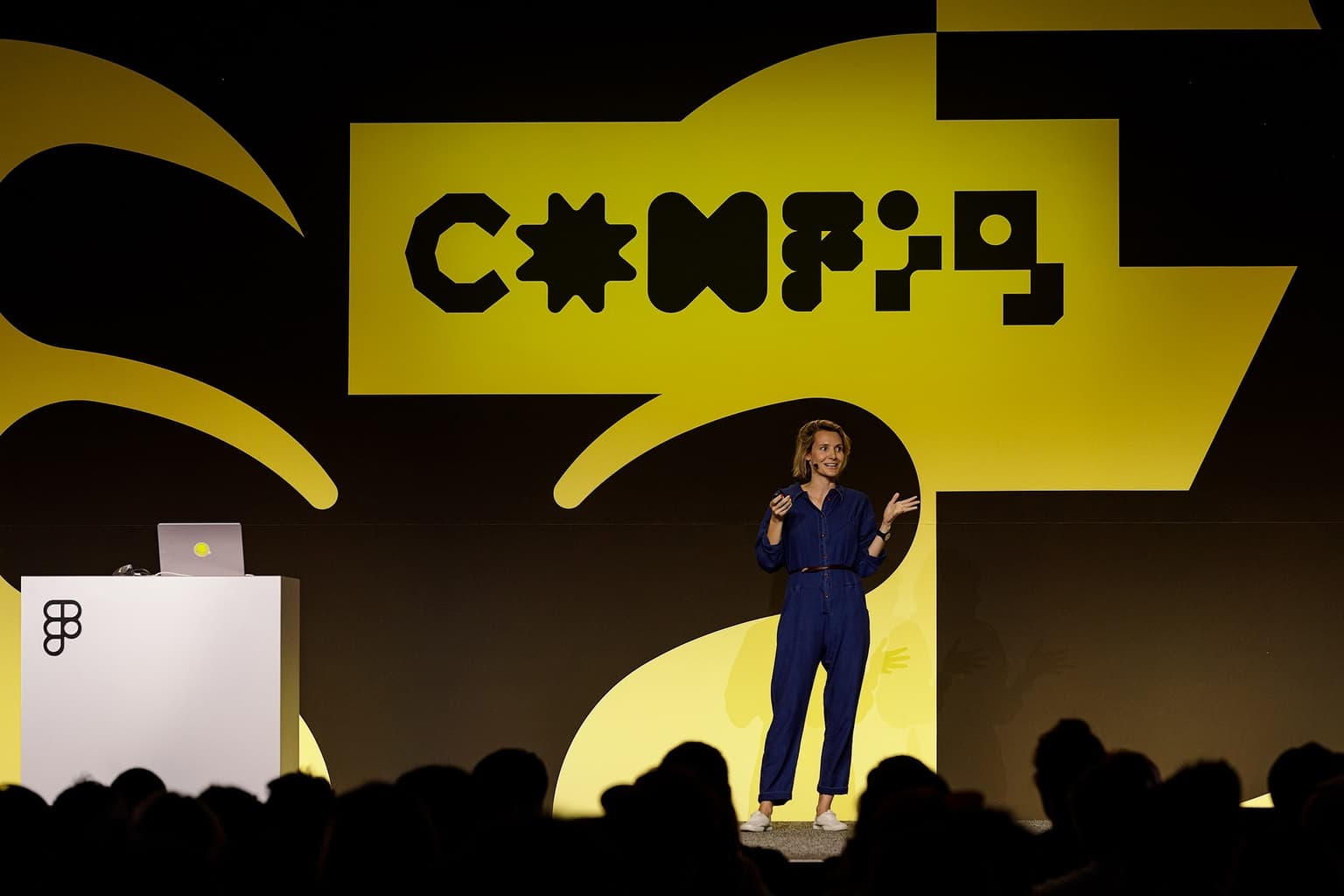
Christine Vallaure Figma Config, SF
Testimonials
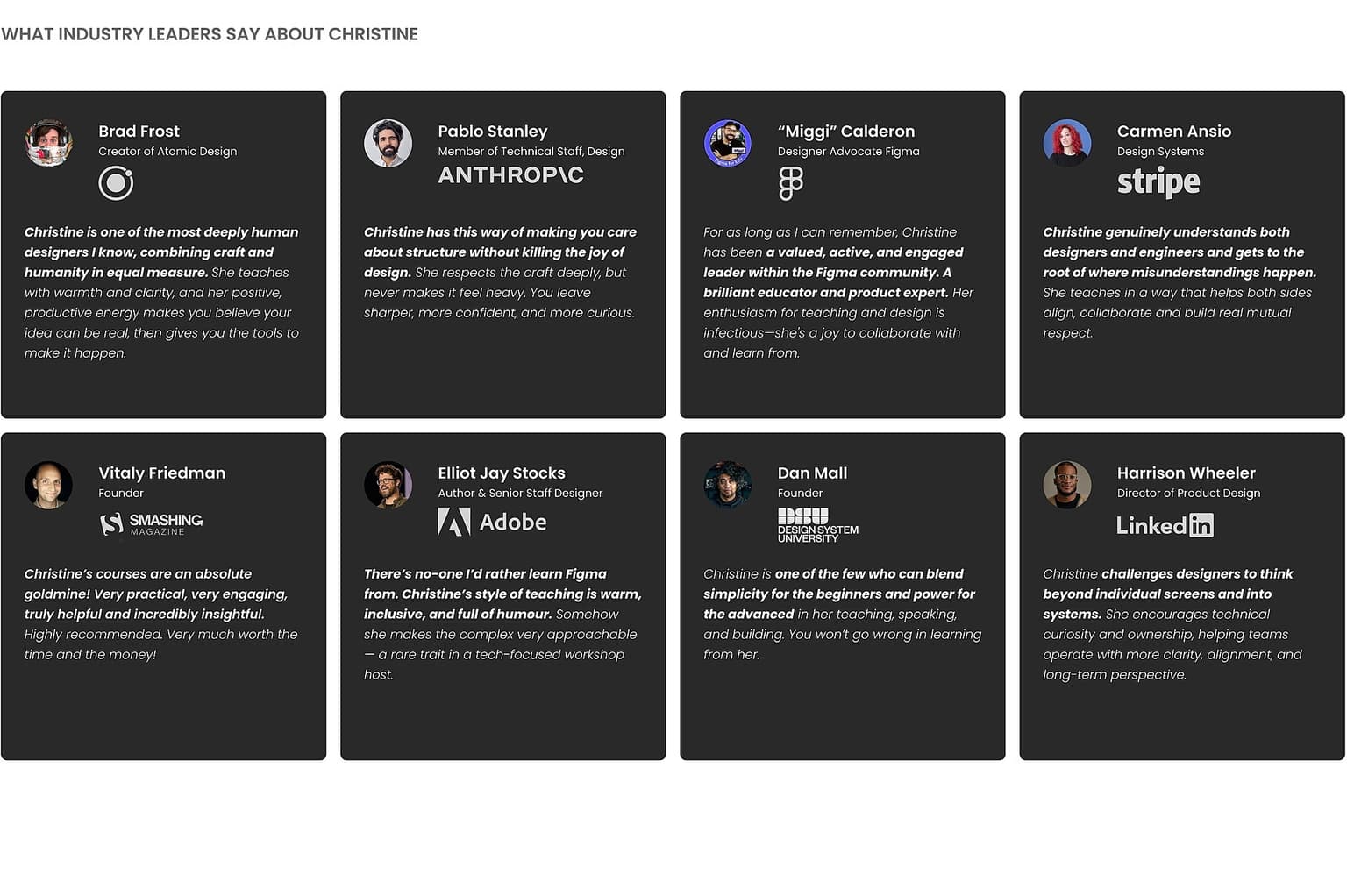
Industry voices about Christine
Frequently asked questions
Maven for Teams
Reimbursement
Get your company to pay
Everything L&D needs: email template, receipts, and certificate of completion.
Get reimbursedTeam discount
Learn with your teammates
Save 20%+ when 2 or more teammates enroll in the same cohort.
Save 20%+ with a teamPrivate cohort
Run a cohort for your org
A dedicated cohort with a custom schedule and curriculum, tailored to your team.
Book a private cohort$1,150
USD