!NEW! AI Design Systems & Prototyping for Designers: 2-Week Intensive
Christine Vallaure
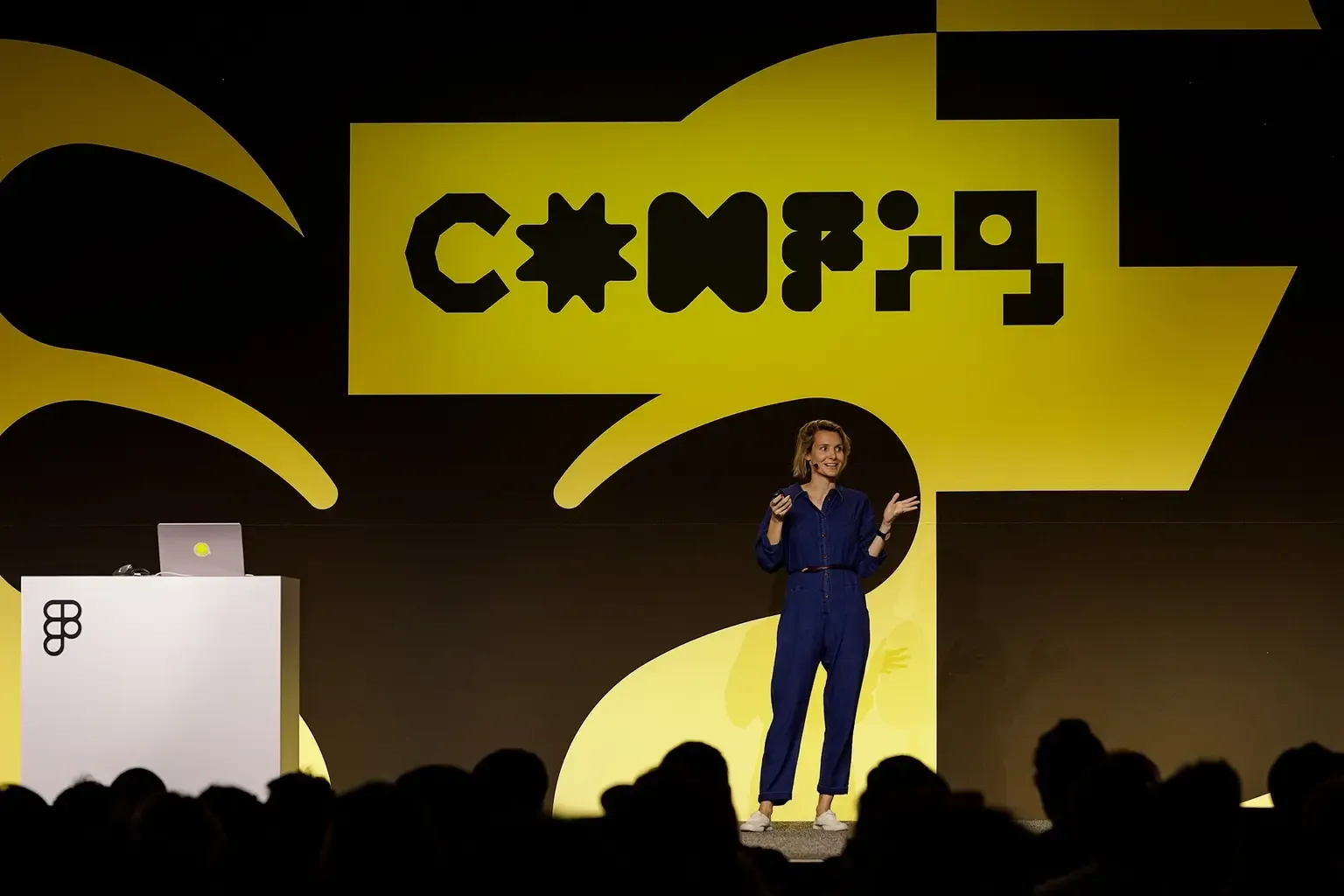
Founder moonlearning · 2× Config Speaker

Upskill in AI design systems, hands-on (for designers with a solid Figma base)
2-week intensive · 3–5 h/week
Your team is told to use AI, and everyone tries something different: Figma Make here, an agent there, a skills file somewhere. The prototypes look finished and get rebuilt anyway. And the big questions stay: is our design system AI-ready, do we still need Figma, are we behind?
You know Figma and design systems. This intensive adds the AI part: what's happening, where AI helps and where it doesn't, and what you need to learn now.
Week 1 · How AI works with your design system
What an AI design system is, how an AI agent connects to Figma and code (that's MCP), and what your variables and components look like in code. Then you check your own Figma library.
Week 2 · Build, keep in sync, prototype
Hands on: a Figma library from code and prototypes from real components with or without Figma. I walk you through the engineering underneath, like contracts that keep Figma and code in sync.
You leave knowing what you can do as a designer, what your developers need to build, and how to start.
🧩 Hands-on in a sample design system, no coding needed
🔀 3 live sessions + self-paced videos
Need the Figma and design system basics first plus AI? Book the 4 week course instead.
What you’ll learn
From "what is all this AI stuff?" to knowing what it means for your design system, and working with it hands-on.
What an AI design system is, and what's real, what's noise and what you can safely ignore.
How an AI agent connects to Figma and code, explained once in plain words.
What your variables, tokens and components look like in code, and how to read Storybook as a designer.
Context files and skills, and which parts are actually worth writing down.
Check your own Figma library and design system for AI-readiness, and know what to fix first.
Try building a Figma library from code, and see what keeps it aligned as the code changes.
Why a check beats a prompt, and how a contract between Figma and code works underneath.
Prototype with real components, move between code and Figma, and hand it off.
Learn directly from Christine

Christine Vallaure
Founder moonlearning · 2× Figma Config Speaker · Awwwards Jury Member
Who this course is for
Design system designers
You've been asked to make the system "AI-ready" and nobody has defined what that means.Product and UI designers
You work with a design system and want AI prototypes from real components, not lookalikes.Design leads
You're deciding how your team works with AI, and want an honest picture before you commit.
Prerequisites
Solid Figma knowledge
This course assumes you are comfortable with Figma. If you need to brush up on Figma, check out the 4-week course I offer.
Figma Pro or higher, with the desktop app
A paid Figma plan and the desktop app. On live cohorts, I can invite you to a free Figma seat for the duration in case you cannot use yours
An AI agent, ideally Claude Code
I demo everything in Claude Code, the easiest way to follow along. Other agents work too, you'd adapt the steps.
What's included

Live sessions
Learn directly from Christine Vallaure in a real-time, interactive format.
Lifetime access
Go back to course content and recordings whenever you need to.
Community of peers
Stay accountable and share insights with like-minded professionals.
Certificate of completion
Share your new skills with your employer or on LinkedIn.
Maven Guarantee
Your purchase is backed by the Maven Guarantee.
Course syllabus
3 live sessions • 36 lessons
Live sessions
1 hr / week
Three live sessions with me: a 30-minute kick-off, a 1-hour session after week 1 and a 1-hour wrap-up. Questions, help and a bit of fun. All recorded.
Video lessons and hands-on practice
2-4 hrs / week
About 1.5 hours of short, visual video lessons a week, following along in a sample design system I give you. Practice time depends on where you start, and the more you put in, the more you get out. No coding needed.
Week 1
Dec
4
👩🏫 Kick-off
① What an AI ready design system is, and MCP (24 min)
② Your design system in code (25 min)
③ Context, skills and AI-readiness (45 min)
Week 2
Dec
11
👩🏫 Live Office Hours
① A Figma library from code (22 min)
② Keeping Figma and code in sync (21 min)
③ Prototyping inside the system, and handoff (47 min)
Frequently asked questions
Maven for Teams
Reimbursement
Get your company to pay
Everything L&D needs: email template, receipts, and certificate of completion.
Get reimbursedTeam discount
Learn with your teammates
Save 20%+ when 2 or more teammates enroll in the same cohort.
Save 20%+ with a teamPrivate cohort
Run a cohort for your org
A dedicated cohort with a custom schedule and curriculum, tailored to your team.
Book a private cohort$799
USD