Build Scalable UI in Figma & AI: Design Systems Agents Can Actually Use
Christine Vallaure
Founder moonlearning · 2× Config Speaker

The design skills that make you AI agent-ready
4-week hybrid course
Everything is shifting. Developers build with agents, AI design systems are everywhere, and you're not sure where you fit. The answer is Figma done properly: connected to code in both directions, readable by agents, and the confidence to prototype in code and know when you need the canvas and when you don't.
A full Figma course, rebuilt for designers working with AI.
Weeks 1 to 3: Figma properly, with MCP from the start
Components, variables aligned with tokens, auto layout and naming, Figma skills from basics to pro. Skip this and every bit of AI you add is built on sand. Each week, you move what you built between Figma and code with MCP.
Week 4: AI Design systems and prototyping in code (for Designers)
A first look at AI design system, contracts, DESIGN.md, Storybook and other context, skills, and why AI drifts and how to prototype with real code and Figma for beginners.
🔁 MCP every week, Figma to code and back
✍️ Hands-on exercises every week
📌 Figma essentials first, extra mile optional
🧩 One real project connecting everything
🔀 Self-paced videos plus live sessions with Christine
Note: You'll get a free Figma seat and should bring a Claude Pro account
What you’ll learn
From Figma foundations to a system agents and code can use, in 4 weeks.
Your components break the moment someone touches them. Learn components, variants, variables and auto layout that hold, and why they work.
Know what's essential and what's extra mile, so you stop chasing every new feature.
Most AI workflows only go Figma to code. You'll also go code to Figma, and learn which side should lead when.
Build your own small AI design system bit by bit and move it between Figma and code with MCP, every week.
AI gives you off-brand results because it has nothing solid to read. Learn what agents actually read and how to give it to them.
Prototype with real components, with Figma in the loop or without it. Stay in the system, no throwaway demos.
Get a clear view of what's happening in AI design systems: contracts, DESIGN.md or a better way for context, skills, and why AI drifts.
Leave knowing how to work with all of it as a designer, without becoming an engineer.
Honestly, nobody has this fully figured out yet. Learn the foundations, so you stay calm and know where to look in a field that is shifting
Learn directly from Christine

Christine Vallaure
Founder, moonlearning.io · 2× Figma Config speaker · Awwwards Jury
Who this course is for
Designers who want Figma done properly
You know the basics but want files that actually hold up and want to learn how to scale them with AI
Designers who feel the AI shift coming
Your developers are getting the design system AI-ready. Find out where you fit.
Designers working with a design system
You want Figma and code to match, and prototypes with real components.
Prerequisites
A Figma account and the desktop app (free Edu seat from me)
We use the desktop app, not the browser, to connect Figma with AI tools. I invite you to a free Figma Edu seat for the course.
Claude Max or Pro account with the desktop app
No access? You can just watch. I, however, highly recommend having it so you can try the workflows between Figma and code hands-on.
Permissions cleared with your tech department
If your work laptop blocks installs like Claude or Node, or Figma plugins, sort this out before we start. Very important! I provide the list
What's included

Live sessions
Learn directly from Christine Vallaure in a real-time, interactive format.
Lifetime access
Go back to course content and recordings whenever you need to.
Community of peers
Stay accountable and share insights with like-minded professionals.
Certificate of completion
Share your new skills with your employer or on LinkedIn.
Figma Pro Plan (EDU)
During the duration of the workshop, you’ll have access to all Figma Pro Plan features via the official Figma EDU plan.
Maven Guarantee
Your purchase is backed by the Maven Guarantee.
Free resource
Design Figma Files That Scale with AI
Connect your designs to AI
How to set up your file, what to consider, and what's changing for us as designers.
Work with AI and Figma for real
MCP, md files, skills, the flashy new tools. What they are and what you actually need.
Workflows that work
Solo, small team, or agentic design systems. What's worth your time and where not to waste it.
By continuing, you agree to Maven's Terms and Privacy Policy.
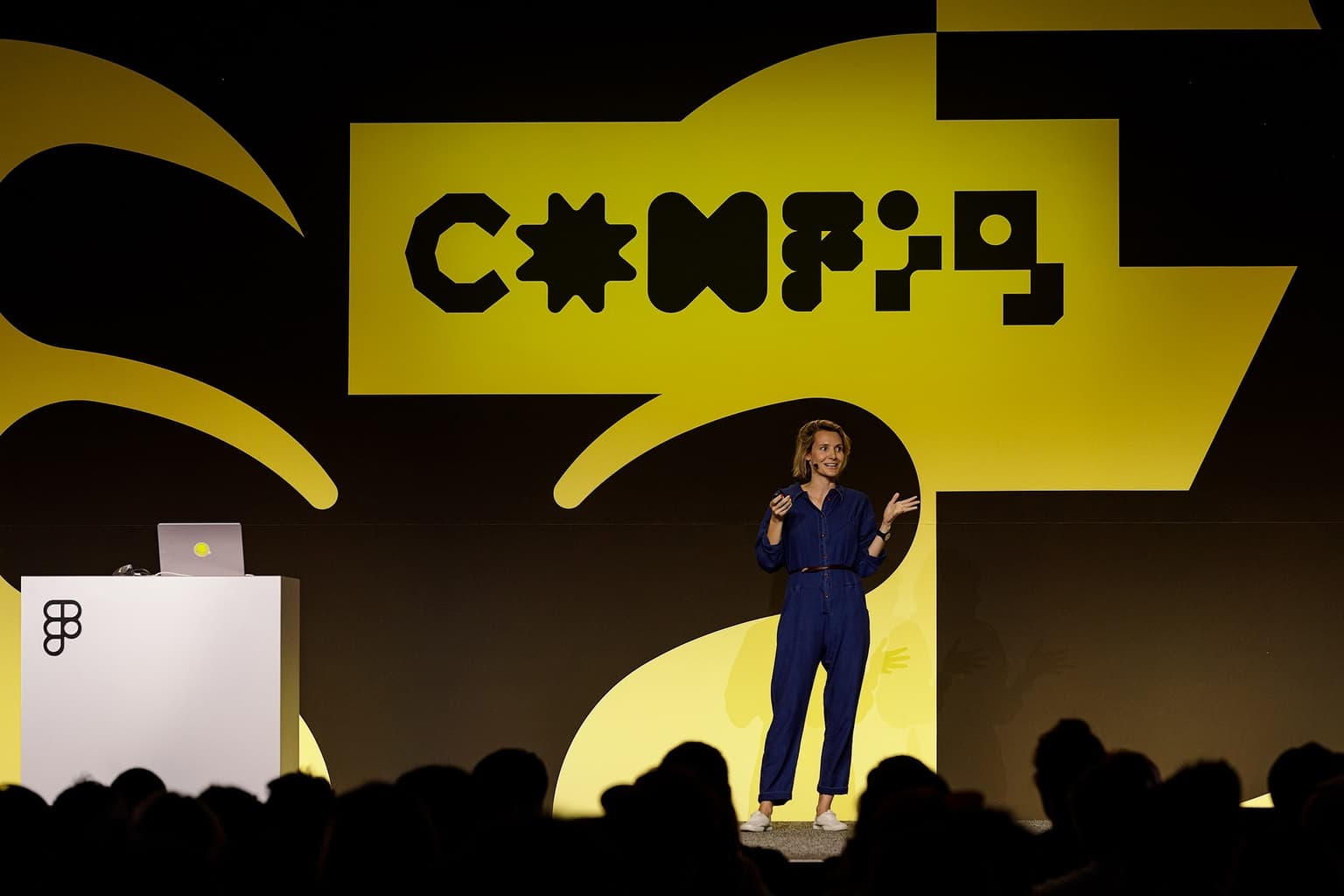
Christine Vallaure Figma Config, SF
Testimonials
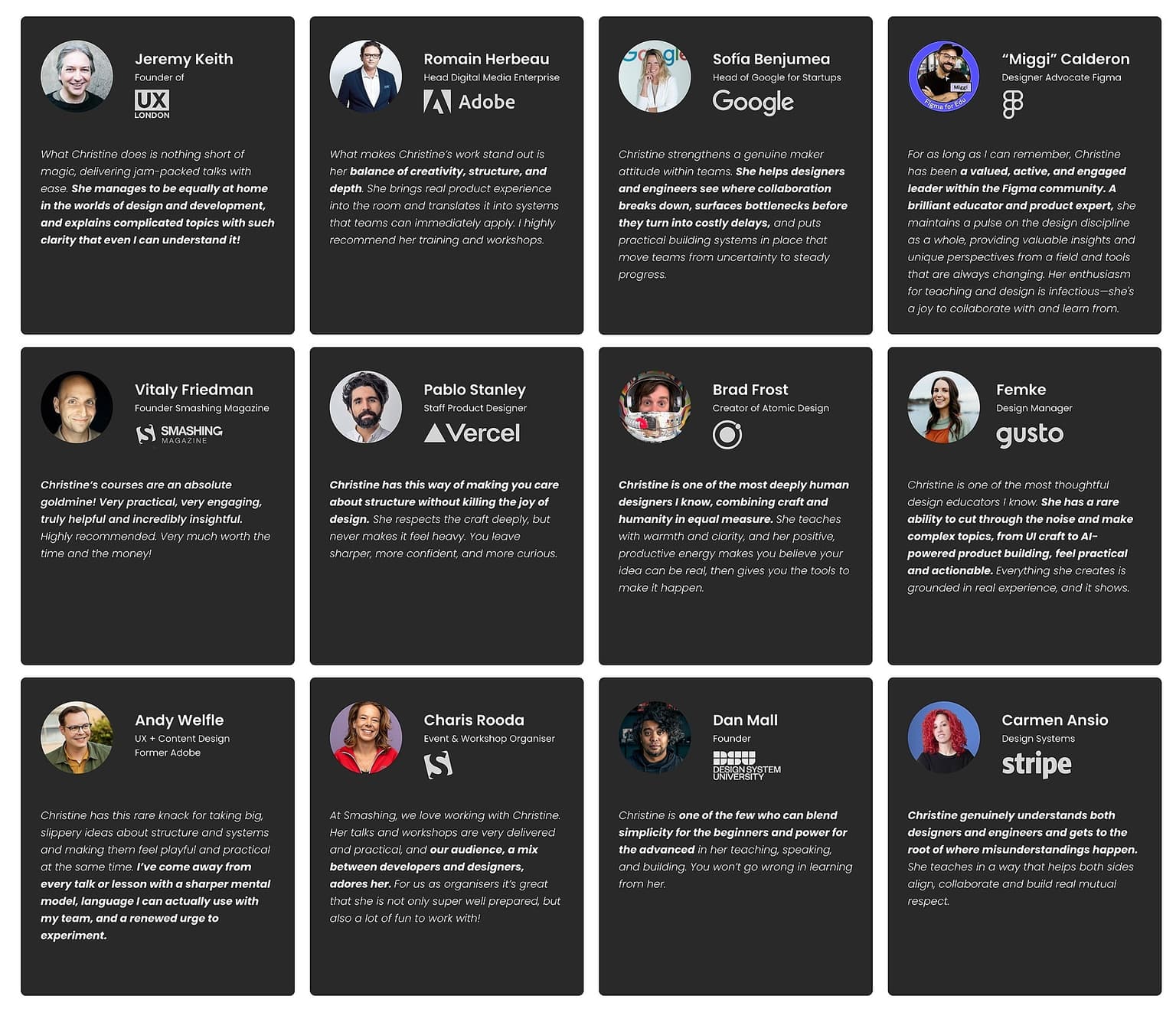
Industry voices about Christine
Frequently asked questions
Maven for Teams
Reimbursement
Get your company to pay
Everything L&D needs: email template, receipts, and certificate of completion.
Get reimbursedPrivate cohort
Run a cohort for your org
A dedicated cohort with a custom schedule and curriculum, tailored to your team.
Book a private cohort