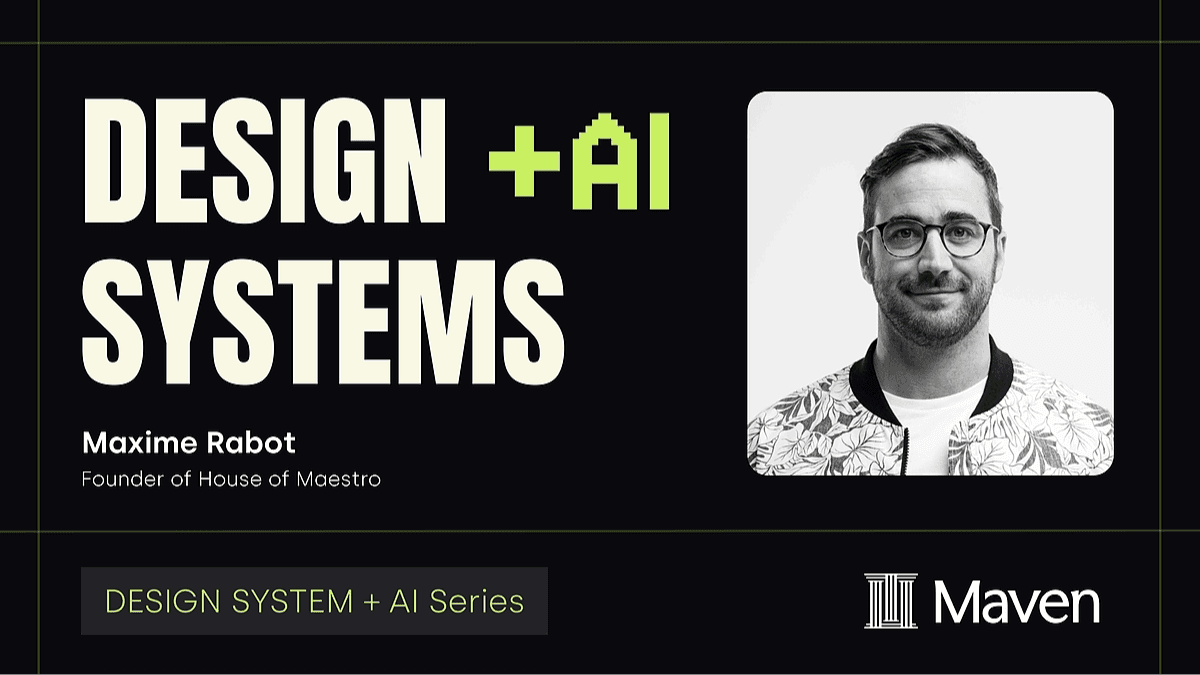
Free Lesson
Design System + AI
45 min
Apr 29, 2026 6:30 AM
Virtual (Zoom)
In this video
What you'll learn
Connect Figma to Claude using the Figma MCP
Set up the MCP bridge so Claude can read and update your tokens, components, and styles directly.
Generate and audit design tokens with AI
Scaffold color scales, spacing, and type ramps — then catch naming conflicts and gaps automatically.
Build a Claude-powered component workflow
Prompt Claude to create and organize Figma components, then save those flows as reusable skills.
Why this topic matters
AI can now manipulate your Figma files directly. The real risk isn't replacement — it's letting AI make decisions that require your judgment. Learn to use Figma MCP and Claude with intention, so your taste and system logic stay in control.
You'll learn from

Maxime Rabot
Independant visual designer & founder of House of Maestro