
Level Up: AI-Enhanced UX Workflows
Learn how to integrate AI into your UX workflow and gain practical, time-saving skills you can apply right away.
This course is no longer available.
Explore other coursesCourse overview
Confidently Integrate AI into Your UX Workflow
AI is transforming how designers work, but many aren’t sure where to start. In this two-week intensive, you’ll learn how to integrate AI into your UX workflow from research to prototyping.
Through live, hands-on sessions, you’ll use tools like ChatGPT, Figma, Notion, and Dovetail to analyze data, build design systems, and automate repetitive tasks.
By the end of the course, you’ll have a repeatable framework for using AI confidently and creatively in your design process so you can work faster, design smarter, and stay ahead of the curve.
Who this course is for
01
Mid-career UX designers who want to work smarter and integrate AI into their process.
02
Design leaders looking to scale impact and modernize team processes with AI.
03
Product managers seeking to understand and guide AI-driven design workflows.
04
UX researchers who want to use AI to analyze data faster so they can focus on strategy.
05
Design ops and innovation leads who want to improve efficiency and team collaboration with AI tools.
Prerequisites
Foundational UX Knowledge
You should understand core UX principles, design thinking, and the end-to-end product design process.
Figma Proficiency
You should be comfortable working with frames, components, and styles, as most hands-on exercises happen in Figma.
Familiarity with Design Systems
You’ve worked with or understand how design systems ensure consistency through components and tokens.
What you’ll get out of this course
Synthesize user research faster with AI using ChatGPT, Dovetail, and Notion to uncover insights in minutes.
You’ll learn to synthesize user research 3–5x faster using AI tools like ChatGPT, Dovetail, and Notion, clustering insights, spotting patterns, and generating opportunity statements in minutes instead of hours.
Turn insights into design direction with AI prompts that generate ideas and “How Might We” statements.
You’ll be able to turn research insights into clear design directions using AI prompts to generate ideas, “How Might We” statements, and actionable problem definitions that bridge research and design.
Build or extend a design system using AI to create colors, typography, and reusable Figma components.
You'll learn to build or extend a design system using AI to generate color tokens, typography scales, and reusable Figma components that improve consistency and speed up your workflow.
Prototype faster with AI by turning prompts into wireframes and low-fidelity concepts.
By the end of this course, you’ll prototype faster using AI to turn structured prompts into wireframes and low-fidelity concepts, helping you visualize ideas and test solutions in a fraction of the time.
Automate repetitive design tasks like renaming, spacing, and exports using Figma Automator.
You’ll automate repetitive design tasks such as renaming layers, adjusting spacing, and exporting assets using Figma Automator, saving hours and helping to maintain consistency within and across projects.
Integrate AI into your workflow with a repeatable system that balances automation and creativity.
By the end of this course, you’ll know how to integrate AI into your UX workflow using a repeatable system that balances automation with creativity, helping you work faster without losing design quality or intent.
What’s included

Live sessions
Learn directly from David Campana in a real-time, interactive format.
Future-proof your skills
Learn applied AI-UX skills that boost efficiency, credibility, and visibility in your role or job search.
Real-world projects
Apply each concept to a real UX workflow and leave with a polished, AI-supported case study.
Personalized feedback
Get tailored feedback on your workflow, deliverables, or project direction during live sessions.
Tool walkthroughs
Step-by-step demos of ChatGPT, Figma Automator, and other AI tools built specifically for UX workflows.
Community of peers
Connect with UX designers, researchers, and PMs exploring AI together; share projects, feedback, and best practices.
Lifetime access
Get lifetime access to all recordings, templates, and prompt libraries so you can revisit key lessons as AI tools evolve.
Certificate of completion
Earn a certificate to showcase your AI-UX skills on LinkedIn and demonstrate real-world application to employers and clients.
Maven Guarantee
This course is backed by the Maven Guarantee. Students are eligible for a full refund up until the halfway point of the course.
Course syllabus
4 live sessions • 4 lessons • 4 projects
Week 1
- 📄
Lesson: AI for UX Research
- ✍️
Project: AI for UX Research
Submit by Dec 5 Dec
3
Live Workshop 1 | Kickoff & AI for UX Research
Wed 12/31:00 AM—2:00 AM (UTC)- 📄
Lesson: Turning Insights into Concepts
- ✍️
Project: Turning Insights into Concepts
Submit by Dec 9 Dec
5
Live Workshop 2 | Turning Insights into Concepts
Fri 12/51:00 AM—2:00 AM (UTC)
AI for UX Research
Turning Insights into Concepts
Week 2
Dec
10
Live Workshop 3 | Building or Extending a Design System with AI
Wed 12/101:00 AM—2:00 AM (UTC)- 📄
Lesson: Building or Extending a Design System with AI
- ✍️
Project: Building or Extending a Design System with AI
Submit by Dec 12 Dec
12
Live Workshop 4 | Prototyping & Automation
Fri 12/121:00 AM—2:00 AM (UTC)- 📄
Lesson: Prototyping & Automation
- ✍️
Project: Prototyping & Automation
Submit by Dec 16
Building or Extending a Design System with AI
Prototyping & Automation
What people are saying

Katie
Rich
Meet your instructor
David Campana
Design Director | Ex Apple, WeWork, Verizon | ADPList Top 1%
I’m David Campana, a UX Design Director and founder of Level^Up, where I help designers sharpen their skills and accelerate their careers. I’ve worked with teams at Apple, WeWork, Verizon, and Upwork, leading projects that bridge design, product, and engineering.
I’m now focused on how AI can enhance the UX process, from research synthesis to prototyping and automation. My teaching style is hands-on, transparent, and practical. I share exactly how to integrate AI into your workflow, based on real experiments and real results.
When you join this course, you’ll learn from my ongoing work applying AI to real design challenges and see what works in practice.


Course schedule
4-6 hours per week
Tuesdays & Thursdays
1:00pm - 2:00pm EST
If your events are recurring and at the same time, it might be easiest to use a single line item to communicate your course schedule to students
May 7, 2022
Feel free to type out dates as your title as a way to communicate information about specific live sessions or other events.
Weekly projects
2 hours per week
Schedule items can also be used to convey commitments outside of specific time slots (like weekly projects or daily office hours).
Learning is better with cohorts
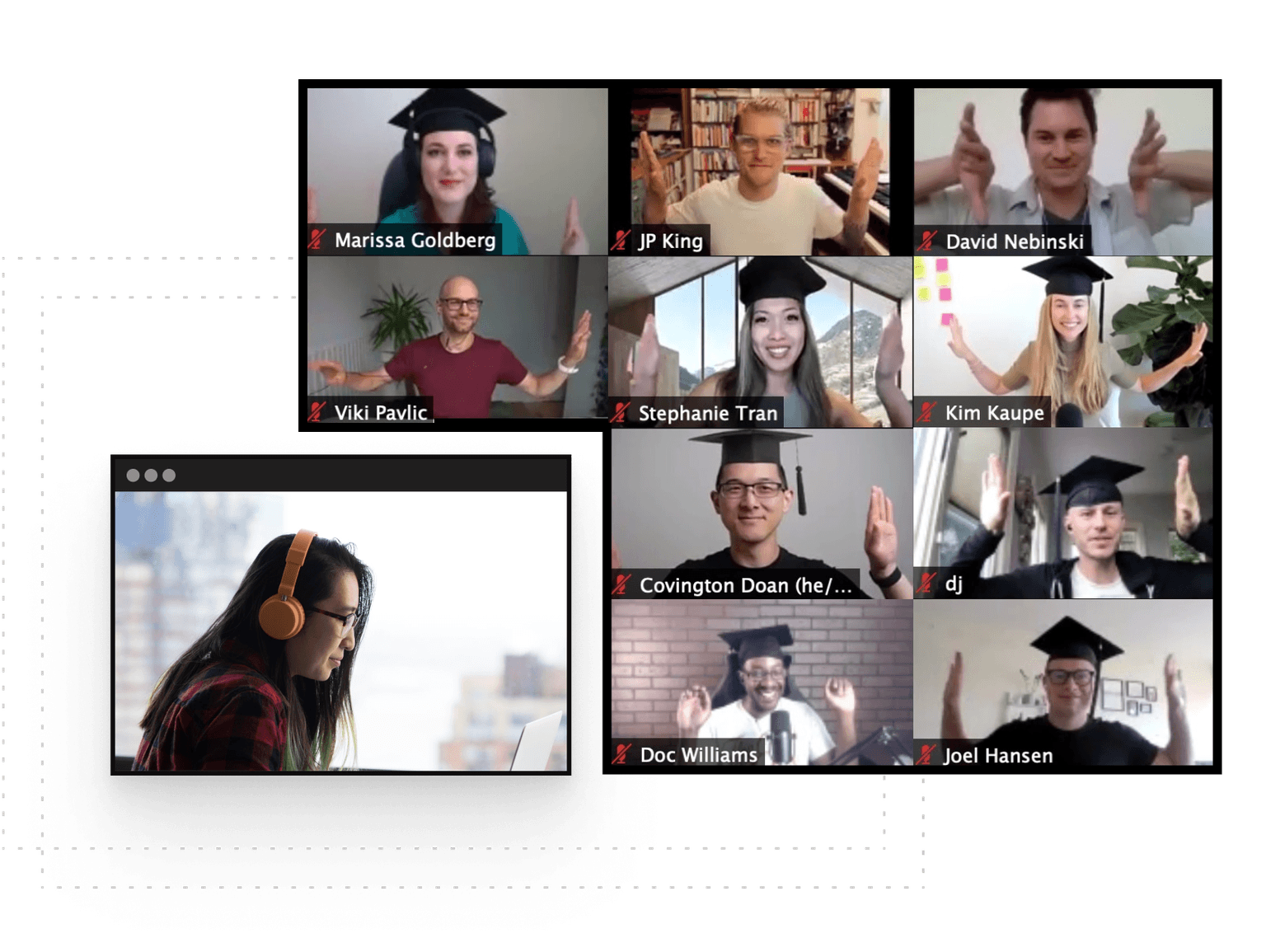
Active hands-on learning
This course builds on live workshops and hands-on projects
Interactive and project-based
You’ll be interacting with other learners through breakout rooms and project teams
Learn with a cohort of peers
Join a community of like-minded people who want to learn and grow alongside you