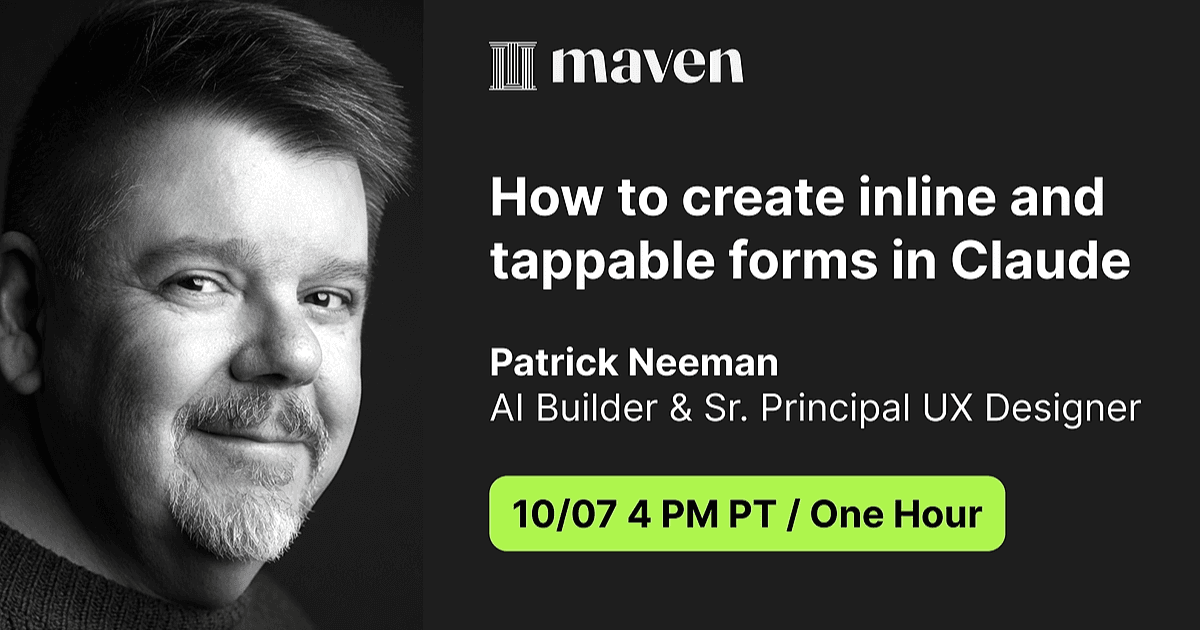
Free Lesson
How to create inline and tappable forms in Claude
60 min
Oct 7, 2026 7:00 PM
Virtual (Zoom)
In this video
What you'll learn
Know why prompts are now interfaces
Understand what can changes when the model assembles the form, so you can see which design choices you can make.
Know what inline and tappable forms are
See how a few lines of plain English become buttons in the chat, so you know exactly what you can ask for.
Pick the right form elements for each
Choose the right form elements so each question fits how people actually answer.
Build a working flow with tappable and inline forms
Write the option sets, chain the screens, and add the instructions that stop the model inventing a choice.
Why this topic matters
Claude can render buttons, menus, and multi-selects inline, which means the prompt is now an interface. That breaks a quiet assumption of our craft — that someone hands you a screen to design. Here the screen is written, not drawn, and it renders at runtime from instructions you wrote in plain English. Your job moves to deciding which questions are bounded, what the options actually are, and what the model does when it improvises.