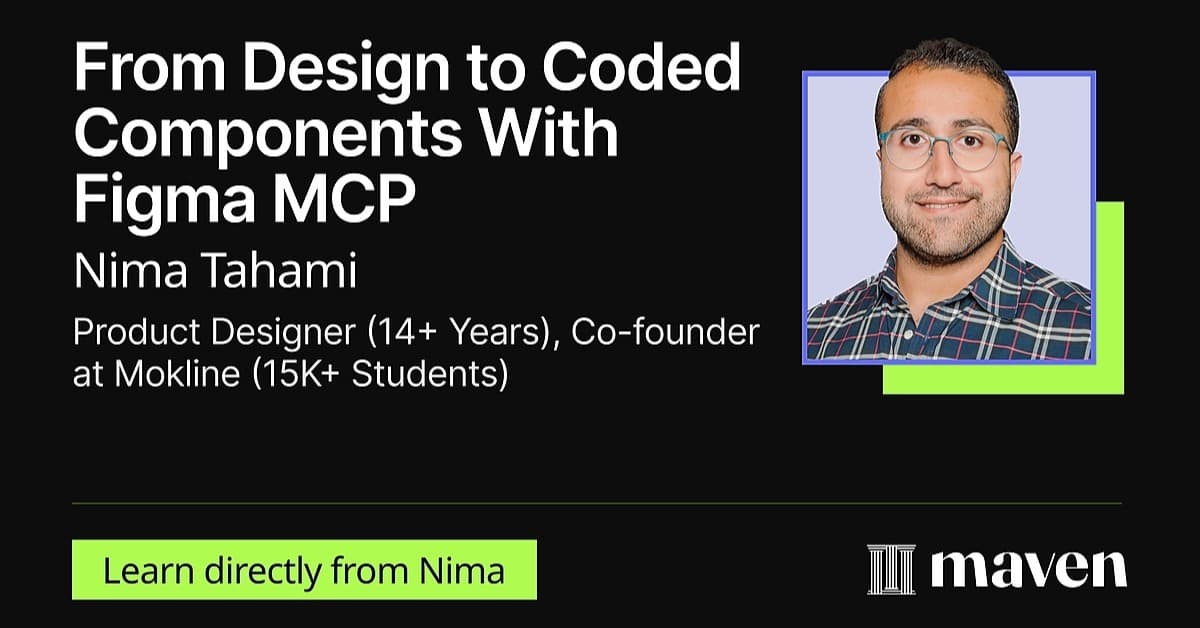
Free Lesson
From Design to Coded Components With Figma MCP
30 min
Jan 2, 2026 12:00 PM
Virtual (Zoom)
In this video
What you'll learn
Learn the best structure for your Figma Design
We'll learn how to use auto-layout to ensure the best layout for our designs before moving them into Cursor.
Set up Figma MCP
We'll learn how to set up MCP in Figma and Cursor AI to ensure design properties are accessible between the two.
Learn to prompt & polish the coded components
We'll learn how to prompt Cursor AI to turn the design into a coded component and make tweaks with prompts.
Why this topic matters
Design is no longer just about visuals. Whether you want to become a design engineer, build your own apps, or collaborate more effectively with developers, the ability to move from design to real, coded components is quickly becoming essential.
Figma MCP closes the gap between design and front-end code. I think every designer should hop on learning how to use leverage it in their work.
You'll learn from

Nima Tahami
Product Designer & Builder (ex-iOS Developer) Co-Founder at Mokline
Products Featured In



