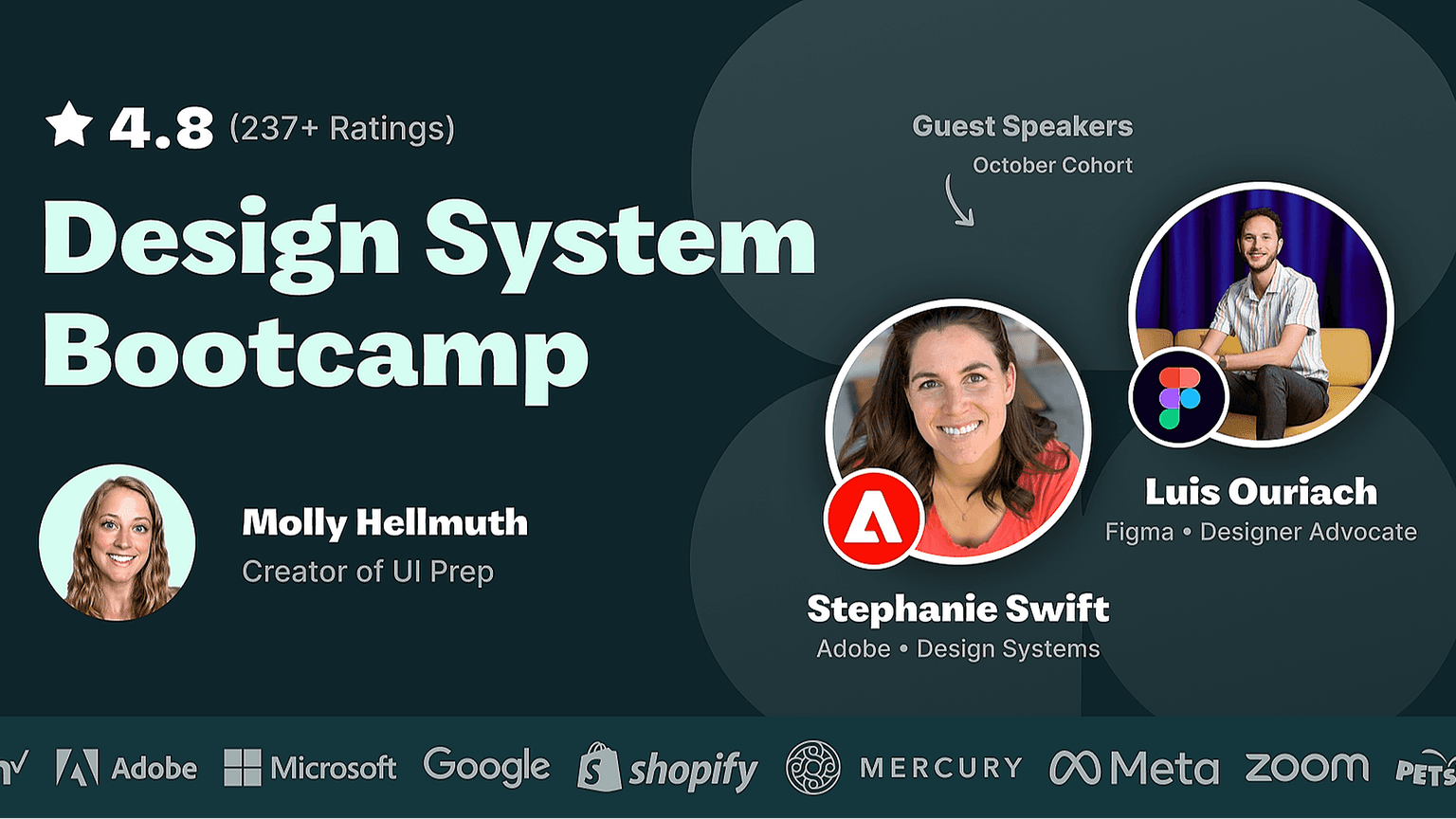
Design System Bootcamp
5-week Bootcamp to build a design system & become a Figma expert. SOLD OUT 🔥
This course is no longer available.
Explore other coursesHosted by
Course overview
Gain the skills & confidence to build a design system in Figma.
Whether you build a design system for your product or just for practice. You'll become an expert in Figma's most advanced features and workflows.
More than a live workshop!
💪 Bite-sized independent projects
📺 Demo videos & resources
👋 Live office hours
👯♀️ Community chat & support
Who I made this course for
01
Intermediate designers ready to build their first design system or start contributing to an existing one.
02
Design teams looking to take their design system to the next level or transition from another tool.
03
Non-designers and career switchers who want to turbo boost their Figma skills and gain a deeper understanding of design systems.
Key outcomes
Figma Design System!
By the end of this bootcamp you will have built an entire design system in Figma. One with expertly designed styles, components, and workflows that are ready for anything!
Master advanced Figma features
Learn exactly when and how to use Figma's most advanced features like variables (NEW), auto layout, variants, and properties.
Find a workflow that suits your needs
Learn the benefits of using different Figma workflows and how they can best serve your product & team.
Connect with other designers
Learn and build alongside a cohort of fellow designers. Sharing feedback, holding each other accountable, and forming lasting relationships.
What’s included

Live sessions
Learn directly from Molly Hellmuth in a real-time, interactive format.
Lifetime access
Go back to course content and recordings whenever you need to.
Community of peers
Stay accountable and share insights with like-minded professionals.
Certificate of completion
Share your new skills with your employer or on LinkedIn.
Maven Guarantee
This course is backed by the Maven Guarantee. Students are eligible for a full refund up until the halfway point of the course.
What students are saying

Self-taught shouldn't be the standard.
Designers need training to develop a shared understanding of best practices and keep up with new Figma features.
Hear from past students
Meet your instructor
Molly Hellmuth
Molly Hellmuth
Creator of UI Prep
Hey, I'm Molly! 👋 The creator of UI Prep. A Figma design resource that has 100K+ UI kit downloads and creates custom-built design systems for a wide range of companies. I've also trained designers and design teams from amazing companies like Adobe, Microsoft, Square, Atlassian, Gusto, and Open Table.
Course Schedule
~6 hours per week
Self-paced lessons
2-3hr per week
1-2 modules per week with lessons walking you through the process of building a full design system in Figma. Each one with recorded demo videos & additional resources to help you complete the next project.
Bite-sized projects
2-3hr per week
Build a full design system by completing a series of bite-sized independent projects. For example, "Create scalable color styles" and "Build a button component set using auto layout, variants, and properties".
Office Hours with Molly
(optional)
Two 1hr live Q&A calls with Molly and the rest of the cohort to answer questions and dive deeper into that week's projects.
🕓 Tuesdays @ 3pm PST
🕘 Thursdays @ 9am PST
Learning is better with cohorts
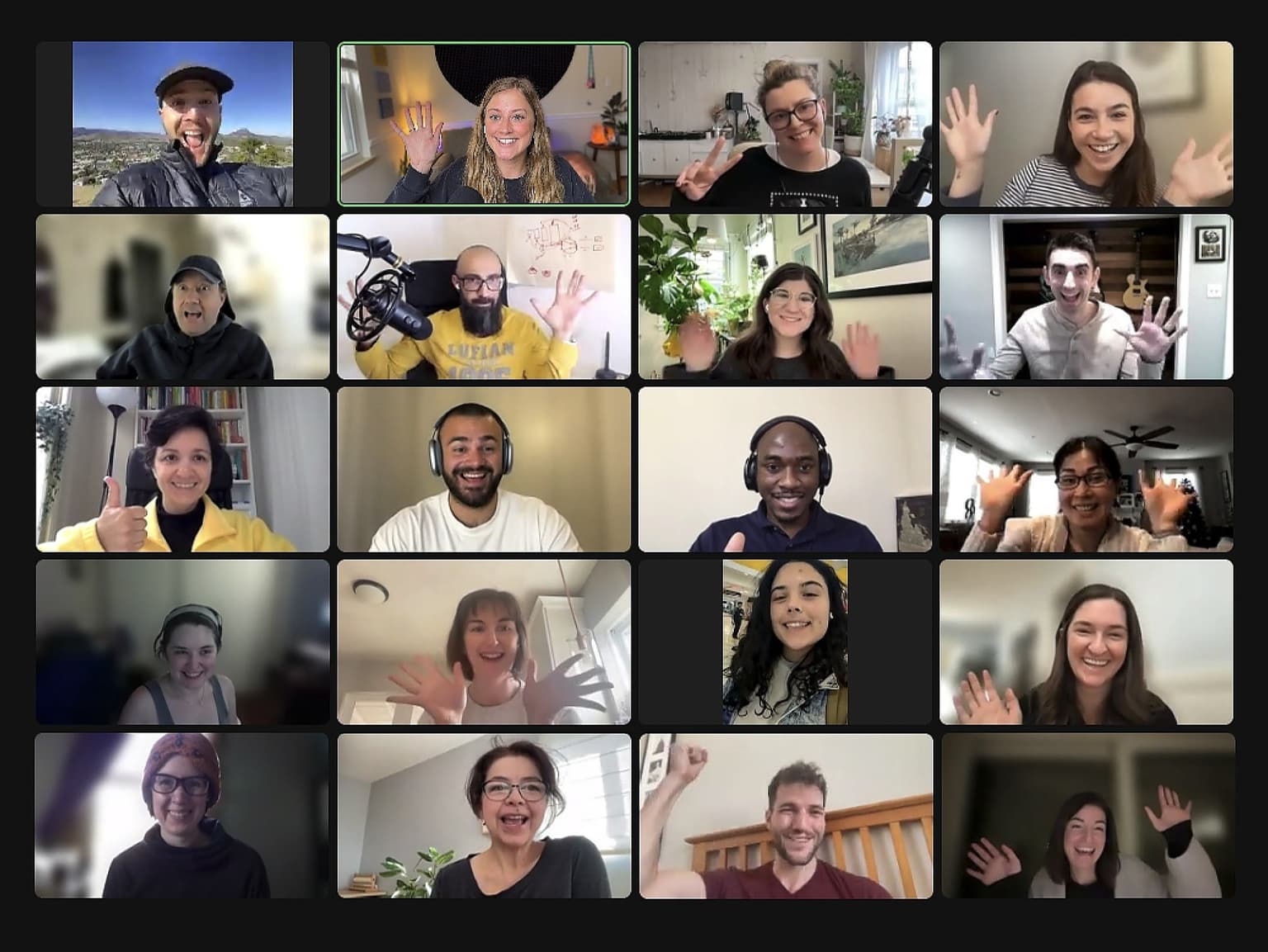
Project-based learning
Complete projects independently, then share your progress, ask questions, and compare notes with the rest of the cohort.
Ask Molly anything!
Get feedback directly from Molly when you submit projects and join office hour calls.
Learn with a cohort of peers
Join a community of like-minded people who want to learn and grow alongside you.