Mastering the Figma to Webflow Plugin
2 weeks
·Cohort-based Course
Turn your Figma designs into live responsive sites in Webflow.
Mastering the Figma to Webflow Plugin
2 weeks
·Cohort-based Course
Turn your Figma designs into live responsive sites in Webflow.
Worked on products used by millions at:




Course overview
Your new superpower: turning your Figma designs into responsive Webflow sites.
Empower yourself to own the process from pushing pixels in Figma to publishing in Webflow. It's worth the effort.
You'll get a crash course in the fundamental building blocks of the web that both Figma and Webflow have built their tools around. The CSS Box Model, and Flexbox changed the game for web designers and after this course, you'll be able to build responsive layouts in Figma using Auto Layout, which will translate beautifully into Webflow.
Who is this course for
01
Agency design teams: If you design sites for multiple clients, this is a game-changer.
02
Creative Directors that want to empower their team, and stop wasting money on contractors to recreate Figma designs in Webflow.
03
Startup founders looking to build a website from their Figma designs.
What you’ll get out of this course
Create more organized, logical Figma files that are Webflow-ready
- Your design colleagues will love you because your layer naming and structure makes intuitive sense.
- Your engineering colleagues will appreciate your files because they are structured in a way they would build them with code.
Avoid the landmines and hair-pulling gotchas that you'd confront on your own.
- Documentation is limited from both the Figma and Webflow teams for this workflow, so this will save you hours.
- Anticipate the idiosyncrasies of the plug-in, and design with them in mind.
Save tons of time and money by not having to recreate designs in Webflow (or paying someone else to do it!)
- Stop paying freelancers and contractors to re-create your Figma designs in Webflow from scratch. (wasteful!)
- Let your engineers focus on higher-level work instead of grunt work.
Be the hero by bringing a new skill to level up your teammates.
- Learn something new to teach the rest of your colleagues.
- Make yourself more valuable in a belt-tightening, layoff-riddled market.
What’s included

Live sessions
Learn directly from Thomas Daly in a real-time, interactive format.
Lifetime access
Go back to course content and recordings whenever you need to.
Community of peers
Stay accountable and share insights with like-minded professionals.
Certificate of completion
Share your new skills with your employer or on LinkedIn.
Maven Guarantee
This course is backed by the Maven Guarantee. Students are eligible for a full refund up until the halfway point of the course.
Course syllabus
Week 1
Beginner's Mind: CSS Box Model and FlexBox, the foundations for everything else.
Working backwards: A Deep-dive into how things are done in Webflow
Back to the source: Setting up your Figma files for success
Week 2
A Tour of the Figma to Webflow Plugin
Mise en place (aka Getting everything set up)
Getting into the Workflow
✨ EXERCISE: Set up a complete marketing page in Figma, and import into Webflow
Week 3
What people are saying
profile.jpeg&w=1536&q=75)
Celia Donnelly

Melanie Sullivan
Meet your instructor
Thomas Daly
Started out as a designer, ended up a product manager. But all along my journey I've rolled up my sleeves to keep my design skills sharp, developing an expertise in Figma and Webflow. I've created products used by millions at companies like BOXEE, Samsung, StreamElements, SPACIOUS (acquired by WeWork), and I'm currently building a vibecoding tool called Nut.new with my team at Replay.io

Be the first to know about upcoming cohorts
Mastering the Figma to Webflow Plugin
Course schedule
4-6 hours per week
Tuesdays & Thursdays
1:00pm - 2:00pm EST
If your events are recurring and at the same time, it might be easiest to use a single line item to communicate your course schedule to students
May 7, 2022
Feel free to type out dates as your title as a way to communicate information about specific live sessions or other events.
Weekly projects
2 hours per week
Schedule items can also be used to convey commitments outside of specific time slots (like weekly projects or daily office hours).
Learning is better with cohorts
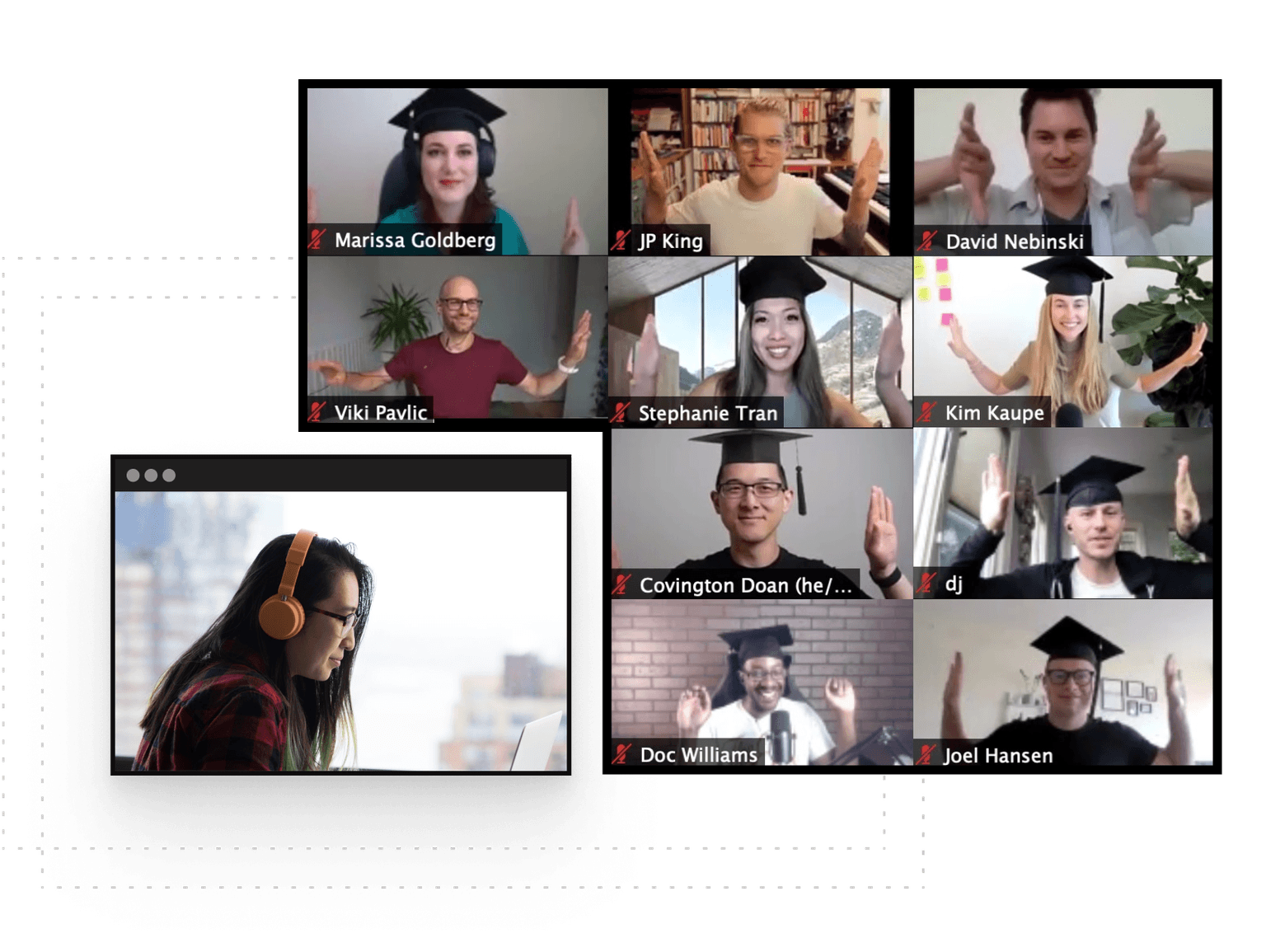
Active hands-on learning
This course builds on live workshops and hands-on projects
Interactive and project-based
You’ll be interacting with other learners through breakout rooms and project teams
Learn with a cohort of peers
Join a community of like-minded people who want to learn and grow alongside you
Frequently Asked Questions
Be the first to know about upcoming cohorts