AI Film School

Master Generative AI tools to create your own video while learning the art of compelling visual storytelling, no matter your experience

This course is no longer available.

Explore other courses

Previous Clients

YouTube
Google
TikTok

Course overview

Become an AI video wizard in just 3 weeks

Create your own AI-generated video to showcase your new skills—an impressive portfolio piece that proves your ability to harness AI for storytelling.


Master the full AI production workflow, from idea to imagery, video to sound, and final editing—turning creative concepts into high-quality videos. No expensive equipment needed.


Stand out with in-demand GenAI skills that set you apart in the creative industry—become the talent brands, studios, and agencies are looking for.

Who is this course for

01

Creatives in TV, film, and digital content who want to use AI to create, pitch, and produce faster.

02

For aspiring filmmakers and content creators eager to explore AI-driven video production and storytelling.

03

For production companies and creative agencies looking to streamline workflows and stay ahead with GenAI.

What you’ll get out of this course

Master essential AI tools for each stage of production

Cut through the noise and learn exactly which AI tools to use—from scripting to video, audio, and beyond. We’ll cover ChatGPT, Midjourney, Runway, KlingAI, Minimax, LumaAI, ElevenLabs, and more.

Apply traditional storytelling and filmmaking techniques

A great story is what makes your AI visuals matter. Learn essential storytelling and filmmaking principles to create videos that captivate, engage, and get shared.

Get hands-on experience by creating your own AI video

This course is all about practical application—every week, you’ll complete hands-on projects leading up to your final 1-minute AI-generated video. Join the optional Viewing Party to share your work and get inspired.

Understand GenAI’s strengths and limitations

GenAI is a game-changer, but it’s not perfect. Learn how to work around its limitations in movement, control, and consistency to make the most of its potential.

Direct access to me, your creative AI mentor

Join four live sessions where you can ask me anything, get direct feedback, and refine your work. Plus, optional office hours for extra support throughout your journey.

Includes 14-day unlimited access to Minimax, a top-tier AI video generator

Enjoy complimentary access to Minimax, perfect for dynamic motion and character consistency (normally $94.99/month), and use it to elevate your final course project.

What’s included

Yalin Solmaz

Live sessions

Learn directly from Yalin Solmaz in a real-time, interactive format.

Lifetime access

Go back to course content and recordings whenever you need to.

Community of peers

Stay accountable and share insights with like-minded professionals.

Certificate of completion

Share your new skills with your employer or on LinkedIn.

Maven Guarantee

This course is backed by the Maven Guarantee. Students are eligible for a full refund up until the halfway point of the course.

Course syllabus

3 live sessions • 53 lessons • 3 projects

Week 1

Mar 10—Mar 16

    Mar

    10

    Live Session 1 – Story Development & Visual Planning with GenAI

    Mon 3/105:00 PM—6:30 PM (UTC)

    Module 1 - Understanding GenAI

    How does GenAI work, and how is it being used within the Creative Sector today?

    • 📄

      How does GenAI work?

    • 📄

      Open-Source vs. Closed-Source GenAI Models

    • 📄

      The Key Models Behind GenAI

    • 📄

      GenAI in Advertising

    • 📄

      GenAI in Film

    • 📄

      Copyright, Ethical & Other Considerations

    Module 2 - The Foundations of Great Storytelling

    This module lays the groundwork for the entire course by diving into storytelling principles essential for both social media content and traditional film. You'll learn how to craft compelling narratives that engage and resonate with your audience. Whether you're working on a short social media video or a longer film, understanding the core elements of storytelling—such as structure, character arcs, and emotional pacing—will shape how you approach your project.

    • 📄

      The Evolution of Storytelling Principles in Film and Digital Video

    • 📄

      The Architecture of Film Narrative

    • 📄

      Digital Storytelling: Principles for Online Video

    • 📄

      Using custom GPTs for story development

    Module 3 - Building Your Visual Story with Midjourney

    In this module, you'll translate your story into visuals by creating a shot list and storyboard that serve as the blueprint for your video. You'll learn how to visualise your scenes using Midjourney to generate images, ensuring that your shots align with the narrative’s tone and message. By the end of this week, you’ll have a clear plan for your video’s visuals, setting the stage for effective video creation in the next module.

    • 📄

      How do image generation models work?

    • 📄

      Midjourney vs Flux vs Google Imagen3

    • 📄

      Image Prompting Fundamentals

    • 📄

      Consistency Tools within Midjourney

    • 📄

      Midjourney Video Walkthrough

    • 📄

      Midjourney Cheat Sheet

    • 📄

      Alternative Tools

    Module 4 - Advanced Midjourney Techniques

    • 📄

      Editing Images in MJ

    • 📄

      MJ Editor for Strict Character Consistency

    • 📄

      Retexturing

    • 📄

      Unpolished Realism

    • 📄

      Personalisation (aka Style Moodboards)

    Project - Create your script, shot list, and storyboard using AI tools

    • 📷

      Create your script, shot list, and storyboard using AI tools

      Submit by Mar 16

Week 2

Mar 17—Mar 23

    Mar

    17

    Live Session 2 - AI-Powered Video Creation

    Mon 3/175:00 PM—6:30 PM (UTC)

    Module 5 - Understanding Video Generation

    This module introduces you to various video generation technologies—text-to-video, image-to-video, and video-to-video—and learn when and how to leverage each for different types of shots in your project. Additionally, you'll discover the power of facial motion capture, an essential tool for creating more dynamic and realistic characters. Understanding these technologies will equip you to make smart decisions when it comes time to produce your video.

    • 📄

      Cinematography 101

    • 📄

      Text-to-Video

    • 📄

      Image-to-Video

    • 📄

      Video-to-Video

    • 📄

      Subject-to-Video

    • 📄

      Kling Elements

    • 📄

      Lip syncing

    • 📄

      Facial Motion Capture

    • 📄

      Comparison of AI Video Tools: Strengths & Weaknesses

    Module 6 - Integrating AI Tools into Your Video Creation Process

    Here, you’ll dive deeper into applying these video generation technologies to your own project. Using your shot list and storyboard from Week 1, you’ll make decisions about which AI tools to use for each shot. This hands-on approach ensures that you can take full advantage of the available technology to bring your story to life in visually compelling ways. You’ll leave this week with a all required footage for your 30-second video, ready to be polished in Week 3.

    • 📄

      Deciding T2V, I2V, V2V or Motion Capture for your shots

    • 📄

      Minimax Prompting Techniques

    • 📄

      Kling Prompting Techniques

    • 📄

      Runway Prompting Techniques

    • 📄

      Two Characters Speaking in the Same Shot

    • 📄

      Upscaling to 4K (Optional)

    Project - Use GenAI tools to create all videos for your shot list

    • 🎥

      Create all videos for your shot list

      Submit by Mar 23

Week 3

Mar 24

    Mar

    24

    Live Session 3 - Audio, AI Voice Modulation, and Editing

    Mon 3/245:00 PM—6:30 PM (UTC)

    Module 7 - The Power of Sound

    Sound is an often-overlooked yet critical part of storytelling, and in this module, you’ll learn how to enhance your video’s impact with the right audio elements. You’ll explore how audio, including voiceovers and sound effects, can elevate your storytelling and make your video feel more immersive. Using AI voice changers, you'll learn how to create unique and customized voices to fit your characters, adding another layer of creativity to your project.

    • 📄

      Importance of Audio in Storytelling & Engagement

    • 📄

      The Art of Sound Effects: Elevating Narrative Development

    • 📄

      The Emotional Symphony: How Sound Evokes Feelings in Cinema

    • 📄

      Mastering the Auditory Experience: Case Studies of Renowned Sound Design in Film

    • 📄

      The World Within and Beyond: Diegetic and Non-Diegetic Sound

    • 📄

      A Journey Through Time: The Evolution of Sound in Film Storytelling

    • 📄

      The Dawn of Intelligent Audio: Artificial Intelligence in Film Sound Design

    Module 8 - Adding Sound to Your Film

    • 📄

      SFX & Music: Copyright Free Options

    • 📄

      SFX & Music: AI-generated Options

    • 📄

      How to Use AI Voice Changers to Bring Characters to Life

    Module 9 - Putting It All Together with Editing in Capcut

    In the final module, you’ll focus on editing your video to perfection. You’ll learn the fundamentals of video editing in Capcut, from basic cuts to adding transitions and syncing audio with visuals. This is where you’ll bring everything together: your story, visuals, and audio. Through hands-on editing, you’ll refine your 30-second video into a polished final product.

    • 📄

      Editing basics in Capcut

    • 📄

      Masking, Layering & Other Advanced Editing Tools in Capcut

    Final Project - Edit & Share Your 1-min Video

    • 🎬

      Edit & Share Your 1-min Video

      Submit by Mar 30

Bonus

    Custom GPTs to refine your story & visuals

    • 📄

      Storytelling CustomGPT

    • 📄

      T2V & I2V Prompt Crafter CustomGPT

    14-day Unlimited Access to Minimax

    • 📄

      Minimax Access

    (Optional) Office Hours Booking Link

    • 📄

      Office Hours Booking Link

Learn how to animate characters like this

Make narrative short films like this

What people are saying

        Yalin's industry expertise and passion for tech and the Creator Economy were evident throughout the workshop. His personable yet structured approach combines creativity with practicality to meet creatives exactly where they are.
Danae Maragouthakis

Danae Maragouthakis

Founder, Yoxly
        Having worked on and off with Yalin for almost a decade, he has constantly supported and challenged our thinking. Acutely aware of the pulse of the media and tech industry and what an audience are seeking, he’s always been a step ahead. A positive and uplifting energy.
Ben Ebbrell

Ben Ebbrell

Creator, SORTEDfood

Meet your instructor

Yalin Solmaz

Yalin Solmaz

Award-winning AI Filmmaker | Minimax, Nim Creative Partner | ex-YouTube

Yalin’s passion for storytelling began in childhood with a dream of becoming a Pixar animator. Though financial barriers kept him from Columbia University’s 3D Animation program, his love for visual storytelling led him through cinema studies, short film production, and a 7+ year career at YouTube, where he shaped the creator economy and advised top creators like Alexa Chung, Anthony Joshua, and Joe Sugg.


In 2024, he turned to GenAI to break creative barriers, bringing his long-held stories to life. His GenAI films have since been finalists at festivals like Project Odyssey, AI International Film Festival, and Stafford Film Festival.


Now, Yalin is pioneering hybrid productions that merge AI and human creativity to push the boundaries of storytelling. He believes GenAI will spark a new wave of independent filmmakers—just as YouTube once revolutionised media—and is on a mission to help lead this movement.

Course schedule

4-6 hours per week

  • Live Sessions on Mondays

    5:00pm - 6:30pm GMT

    Each live session will cover hands-on training over video call with enough time for Q&A at the end.

  • Weekly Projects

    2 hours per week

    After each live session, you will have access to that week's learning content and project assignment. Each week's project builds towards the final video you will be making.

  • Optional Viewing Party

    5:00pm - 6:00pm GMT

    On the 4th Monday, there will be an optional viewing party to screen everyone's work, get feedback and get inspired.

Learning is better with cohorts
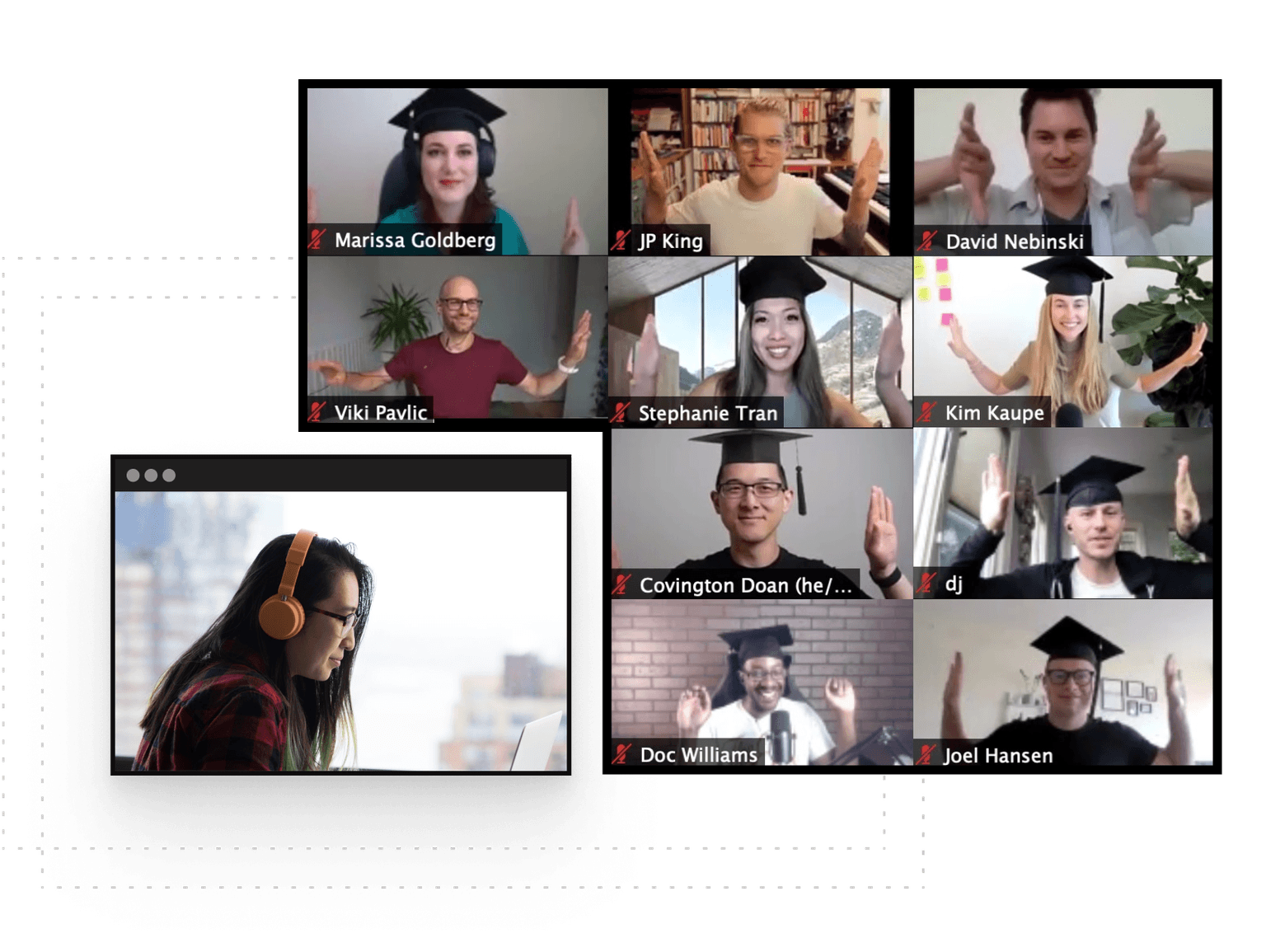
Learning is better with cohorts

Active hands-on learning

This course builds on live workshops and hands-on projects

Interactive and project-based

You’ll be interacting with other learners through breakout rooms and project teams

Learn with a cohort of peers

Join a community of like-minded people who want to learn and grow alongside you

Frequently Asked Questions