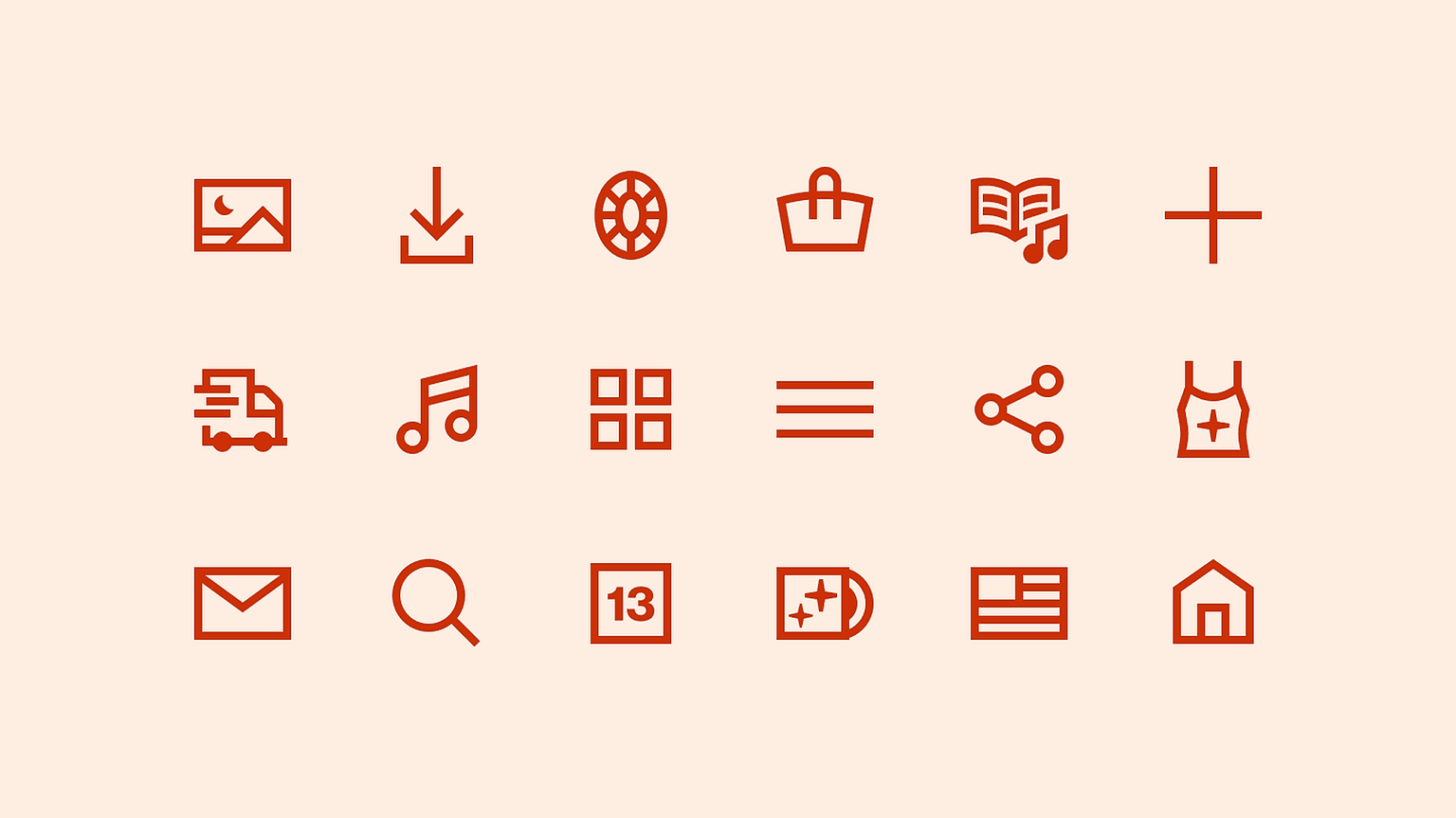
Mastering the art of product iconography
Learn how to build creative and cohesive product icon systems.
This course is no longer available.
Explore other courses
Course overview
Craft custom product icons in 3 weeks
You'll become an expert in crafting and maintaining product iconography systems, from the fundamentals of icon design all the way to constructing your own unique icon set.
Who is this course for
01
Intermediate to advanced product and brand designers who are aspiring icon creators.
02
Freelance designers who want to expand their skillset and client base.
03
Illustrators who want to bolster their practical knowledge of product icon design.
Key outcomes
Apply brand principles
You'll learn how to interpret a brand's visual brand language in order to create a unique icon system that is fresh and relevant. You will create your own icon system you can use within a portfolio.
Create cohesion within an icon system
You'll dive into what makes an icon system cohesive, and how to implement visual language across a variety of concepts.
Harness Figma's power to speed up your process
You'll get a masterclass on illustrating in Figma, and be able to create flexible icons that save you time and future headaches.
Build specialist knowledge you can bring back to your team
You'll be the new icon expert on your team when you're able to lead a team in how to create, maintain, and develop iconography from Figma to code.
See what people are saying

Andrea Grigsby

Anna Rocca

J. Griff Griffith

Lea Escobar
Meet your instructor
Bonnie Kate Wolf
Bonnie Kate Wolf
Freelance icon designer for the brands you love
Great iconography fits seamlessly and almost invisibly into any product experience.
Over the past 10 years, I've created sophisticated and original iconography systems ranging from fashion to fintech. I'll help you learn how to create a system for any industry.
This course will teach you all the intricacies of icon design. No drawing experience needed.
Course schedule
4-6 hours per week
Exclusive video content
40 minutes per week
First-of-its-kind video content detailing the iconography design process from idea to SVG. You'll learn the techniques used by the professionals via unique video content.
Weekly projects
2-4 hours per week
Specific course assignments designed to help you build practical icon design skills and produce at a professional level.
Live Q&A
Fridays 8am + 1pm PST
Submit your questions in advance for a fireside chat style Q&A. Questions welcome from the room. Here you'll have a chance to ask for professional advice, project specific questions, and about iconography in general.