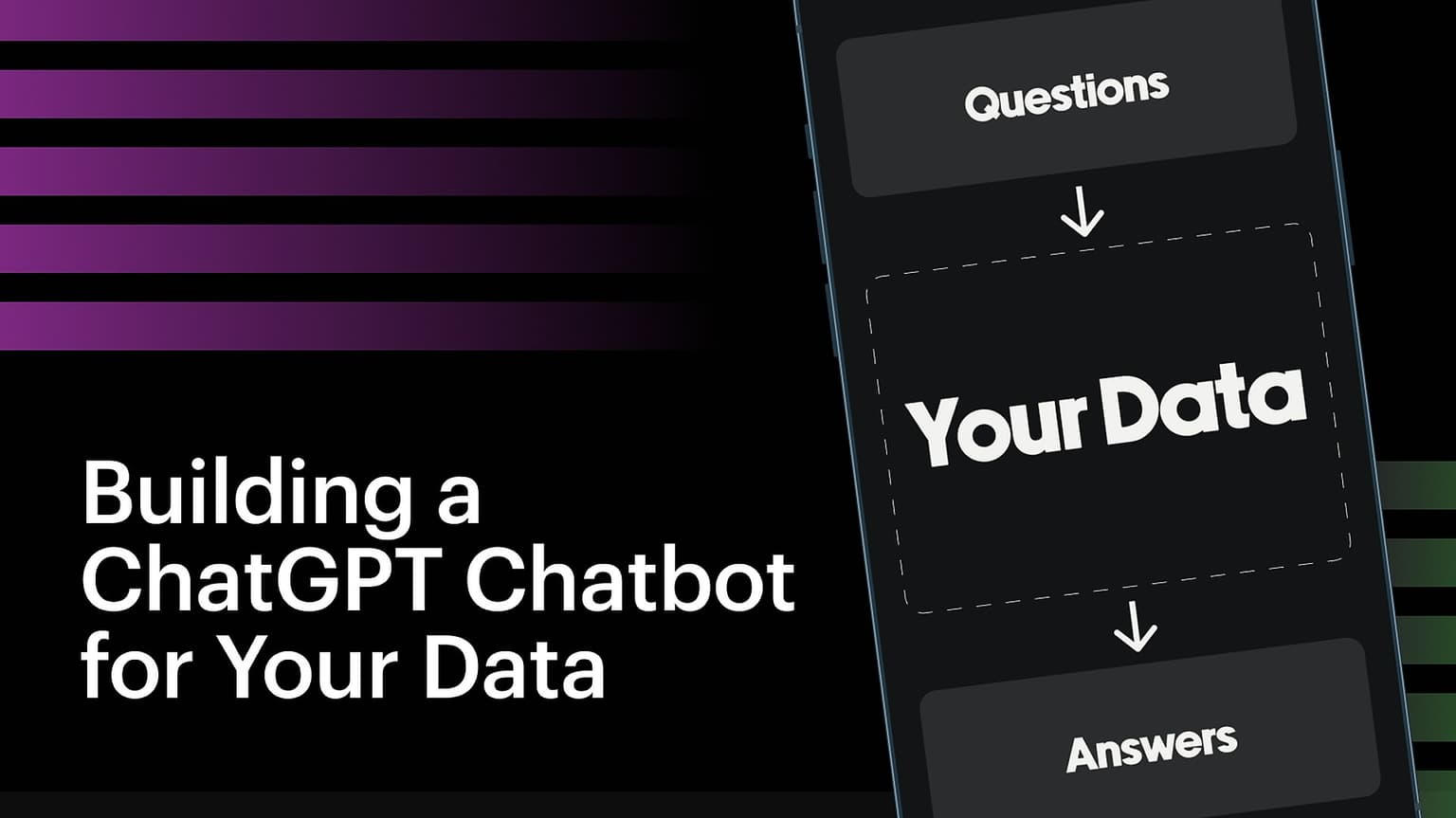
Hero image

Build a ChatGPT Chatbot For Your Data

Join 100+ SaaS founders and leaders who have utilised AI to gain a competitive edge.

This course is no longer available.

Explore other courses

Hosted by

Mayo Oshin, Harrison Chase, Anton Troynikov, and Jerry Liu

AI experts and Founders at LangChainAI, Chroma and LlamaIndex

Course overview

Unlock the Power of AI: Build Your MVP In 2 Weeks Or Less

You don't want to work with AI. You want AI to work for you.


Learning how to effectively utilise large language models is one of the fastest ways to build and accelerate your startup or career today.


An AI chatbot trained on your data that works could transform your business and work in impactful ways:


• From a SaaS founder struggling to build a well-functioning MVP to having users and investors beg to use your product and fund your idea.


• From an overwhelmed developer to effectively turning ideas in your head it into a working prototype.


• From an executive in an organisation spending a ton of money and time hiring and training analysts to becoming one of the few organisations in your industry that can analyse 1000s of pages in minutes instead of days.


Now, you could attempt to figure out a viable solution on your own via "free" content and trial and error. But this would likely waste valuable time and resources.


It'll cost you between $8k+ for your average developer and closer to $20k+ for more competent developers to build your MVP from scratch over several months without guaranteed results.


Alternatively, you could look for an "off-the-shelf" plug and play solution, but you'd lose the ability to have:


• 100% ownership of your IP.

• 100% privacy of your data.

• 100% flexibility to customise for your use case.


But there's a better way…


By the end of this program, you’ll be equipped with solid foundational knowledge and tools to build an MVP that can accurately 'chat' with custom data and delight users.


You'll avoid the wasted time and cost of getting started by using our proprietary done-for-you AI Chatbot Starter Kit that can be installed within a few minutes without losing your ownership, privacy, or flexibility — no programming experience required.


Here's what you'll get in the program:


• Self-paced workshops covering step-by-step visual guidance on how to build an AI-powered chatbot for your data — our low-code approach makes learning easy.


• Access to live (and pre-recorded) question-and-answer sessions with AI experts on optimal strategies and best practices.


"100% done-for-you" AI Chatbot starter kit for your documents: Quickly set up a basic AI chatbot (including a UI) with minimal time and no programming experience to extend for your use case. 


Access to live office hours with Mayo to resolve any critical questions and challenges you're facing.


A free 30-minute AI consultation with Mayo to successfully implement an AI strategy for your use case ($300 value).


Fast-track assignments to help you complete your MVP chatbot faster.


• Curated resources, including recommended tools, visual guides, and templates to simplify and understand complex concepts.


Private community access to other founders, entrepreneurs, and executives building and deploying their MVP chatbot in every use case imaginable.


Lifetime access to course material.


Bonus: Exclusive training on how to "chat" with large databases and CSV files, and more.


Bonus: Access to surprise guest speakers, including alums and industry experts.


Bonus: Showcase your MVP to 20,000+ potential users across Twitter, newsletter, and potentially YouTube.

Who is this course for

01

SaaS founders & product managers looking to build a successful AI MVP for their industry use case.

02

Executive leaders looking to design and apply an effective AI strategy to transform their organisation and gain a competitive edge.

03

Senior technicians and engineers looking for the best development practices and tools to efficiently build an AI solution.

What you'll learn

How to train a "ChatGPT" AI chatbot on your private documents

Learn how to use the latest GPT-3.5-turbo and GPT-4 models to integrate AI with your data.

How to "chat" with multiple large PDF files

You'll learn how to use AI to ask questions and get accurate answers from large PDF files (000's of pages), doc, txt, and other formats.

How to use AI without compromising privacy

Learn the best practices for data privacy, whilst benefiting from AI capabilities.

How to optimise "prompts" for better AI accuracy

Learn the best practices for prompt engineering for more accurate responses from the AI model.

How to reduce hallucination and optimise speed

Learn the latest strategies to reduce AI inaccurate results and improve the speed of results.

Best practices and trends from AI experts

Get valuable insights from leading AI experts on upcoming trends and strategies to optimise AI for your use case.

What’s included

Live sessions

Learn directly from your instructors in a real-time, interactive format.

Lifetime access

Go back to course content and recordings whenever you need to.

Community of peers

Stay accountable and share insights with like-minded professionals.

Certificate of completion

Share your new skills with your employer or on LinkedIn.

Maven Guarantee

This course is backed by the Maven Guarantee. Students are eligible for a full refund up until the halfway point of the course.

Course syllabus

6 live sessions • 32 lessons

Week 1

Nov 2—Nov 5

    Nov

    2

    Introduction: How to Achieve Your Goals During the AI Chatbot Program

    Thu 11/24:00 PM—5:00 PM (UTC)

    Introduction: How ChatGPT Really Works

    A deep dive into how ChatGPT works "under the hood."


    Before you watch

    • Visit the OpenAI playground link here.
    • "Log in" if you've already signed up. If not click "Sign Up" to create your account.
    • Once you're logged in, click on the navigation bar header called "Playground".


    Timestamps

    00:01 - Introduction & AI chatbot demos

    05:17 - How ChatGPT really works (openai playground)

    12:19 - Temperature (controlling randomness)

    15:38 - Tokens

    19:49 - Prompts (instructions)

    23:50 - Chat Model & Chat "Memory" (System, User, Assistant)

    33:34 - How to chat with your data

    40:56 - Embeddings

    47:45 - AI chatbot architecture


    6 items

    LangChain Fundamentals: How to ChatGPT Your Data

    • Learn how to use "LangChain": a popular AI framework for building chatbots
    • Learn how to set up your development environment (prerequisite)


    Note: You don't need to use the codebase mentioned in this video. You already have access the AI chatbot starter kit including up-to-date functionality inside the private slack community channel.


    Once you've completed the steps in the prelude video, it's time to dive into how your AI Chatbot and LangChain (the framework used to build it), works under the hood.

    Use the README.md file in your codebase folder to help provide guidance alongside the video

    By the end of this workshop, your AI chatbot should be up and running in your local environment.


    Timestamps for main video:

    0:00 - Introduction & Demo

    2:05 - Chatbot architecture

    8:20 - LangChain explained

    9:40 - How to "ingest" your data

    27:17 - Ingestion script

    31:00 - How to chat with your data

    32:00 - Prompt templates

    36:00 - LLM Chains

    45:00 - Retrieval QA Chain

    52:00 - Conversational QA Chain

    55:00 - Frontend application


    9 items

Week 2

Nov 6—Nov 12

    Nov

    7

    Office Hour: Building MVP AI Applications with LangChainAI

    Tue 11/74:00 PM—5:00 PM (UTC)

    Nov

    9

    🏫 Module 1 & 2 Live Coaching with Mayo

    Thu 11/95:00 PM—6:00 PM (UTC)

    Troubleshooting: How to Solve Common Installation Problems For Your AI Chatbot

    Here are common categories and problems that cause installation issues.


    Installation

    • Node isn’t installed
    • Node version is outdated (run: `npm install @latest -g`)
    • Yarn isn’t installed on your machine (run: `npm install -g yarn`)
    • .env file is missing.
    • .env file contains the wrong credentials (or clashes with global environment variables).


    OpenAI


    Pinecone

    • Invalid environment and index name in your .env file.
    • Vector dimensions is not set to 1536.
    • Pinecone namespace is not in lowercase.
    • Attempting to query by integer. Pinecone stores vectors in uuid.
    • Pinecone indexes of users on the Starter(free) plan are deleted after 7 days of inactivity. To prevent this, send an API request to Pinecone to reset the counter before 7 days.
    • Pinecone index is corrupted. Retry from scratch with a new Pinecone project, index, and cloned repo.


    Resetting

    • If the troubleshooting above doesn’t work, install from scratch and try again with another computer system.


    If you're still struggling to set up your chatbot please reach out to technical support in the private slack channel.


    5 items

    How to Deploy Your AI Chatbot to Production

    Prelude


    To deploy your AI chatbot for live use, we will use Github and Vercel. If you haven't registered for either yet, use the links below:


    If you're new to git and version control systems, here are some brief guides to help you understand the basics:


    Vercel alternatives for deployment:


    Common AI Chatbot problems and solutions:


    3 items

Week 3

Nov 13—Nov 17

    Nov

    14

    🤝Meet the expert - Performance Optimisation: How to Reduce AI Hallucinations and Improve Latency

    Tue 11/145:00 PM—6:00 PM (UTC)

    Nov

    16

    🤝Meet the expert - Q&A: How to Build Advanced High Performance AI Applications Using LlamaIndex (w/ Jerry Liu)

    Thu 11/165:00 PM—6:00 PM (UTC)

    Nov

    17

    Graduation Ceremony: Showcase Your AI Chatbot

    Fri 11/175:00 PM—6:00 PM (UTC)

Bonus

    Expert Q+A and office hour recordings

    Recordings of expert question and answer sessions in addition to office hour recordings.

    2 items

    Bonus section

    • How to "Chat" With SQL Databases and Large CSV files
    • How to "Chat" Using Agents and APIs
    8 items

What students are saying

Course schedule

4-6 hours per week

  • Tuesdays & Thursdays

    12pm EST

    Office hours and Q&A sessions to ask questions and receive guidance on building your AI chatbot for your use case.

"Automatically becoming that AI expert"

Testimonial: Senior Product Designer/Marketer, Damiano Redemagni

What people are saying

        I started simple by feeding it a 2022 financial report for one of my clients and asking a few questions about revenue growth and expenses. Certainly made it easy to get answers out of a 120+ page doc.
John Beradi

John Beradi

Partner at Fused
        Before diving into the course, I struggled to find an efficient way to integrate LLMs into my workflows, but after completing the step-by-step program I have gained the necessary knowledge and skills to enhance work and business productivity.
Nikodem Grzesiak 

Nikodem Grzesiak 

Entrepreneur and Physicist
        If you are looking to take your AI knowledge to a level where you can build for businesses or just want to know how AI chatbots work, this is the course for your. Well put together with tangible application and in the end you will have a working chatbot that can be trained on your data. Worth every penny.
Karl Yeh

Karl Yeh

Senior marketing manager
        From the outset, Mayo demonstrated expertise and commitment to ensuring our success. Our team faced several blockers during the initial stages of an integration, and Mayo's in-depth understanding of Langchain was instrumental in helping us overcome.
Cris Ippolite

Cris Ippolite

President/Director of AI at iSolutions
        It was very helpful, it provides enough details to understand the subject, without cluttering it with details that might make it hard to follow up. At the same time additional resources are provided for deep dives.
Fady Bassil

Fady Bassil

Solution Architect
        Amazing course! A perfect combination of practical and technical advice with great examples. 
Shawn Hamilton

Shawn Hamilton

Founder
        I never thought I could understand coding, but your extra links are AWESOME for a guy like me who is a Civil Engineer great at Excel formulas but not confident doing coding...the value I have received so far has been outstanding.
Travis

Travis

Senior Engineer & Consultant
        Mayo is literally the best educator out there. And I'm not just talking subject matter, where he of course excels, but his ability to distill and deliver complex topics. Whenever the term "AI" comes up in a conversation, I can't help but bring up Mayo, either as reference to back up what I'm sharing, or as a recommendation to others.
Damiano Redemagni

Damiano Redemagni

Senior product designer
A pattern of wavy dots

Want to train your team? Email us to learn how.